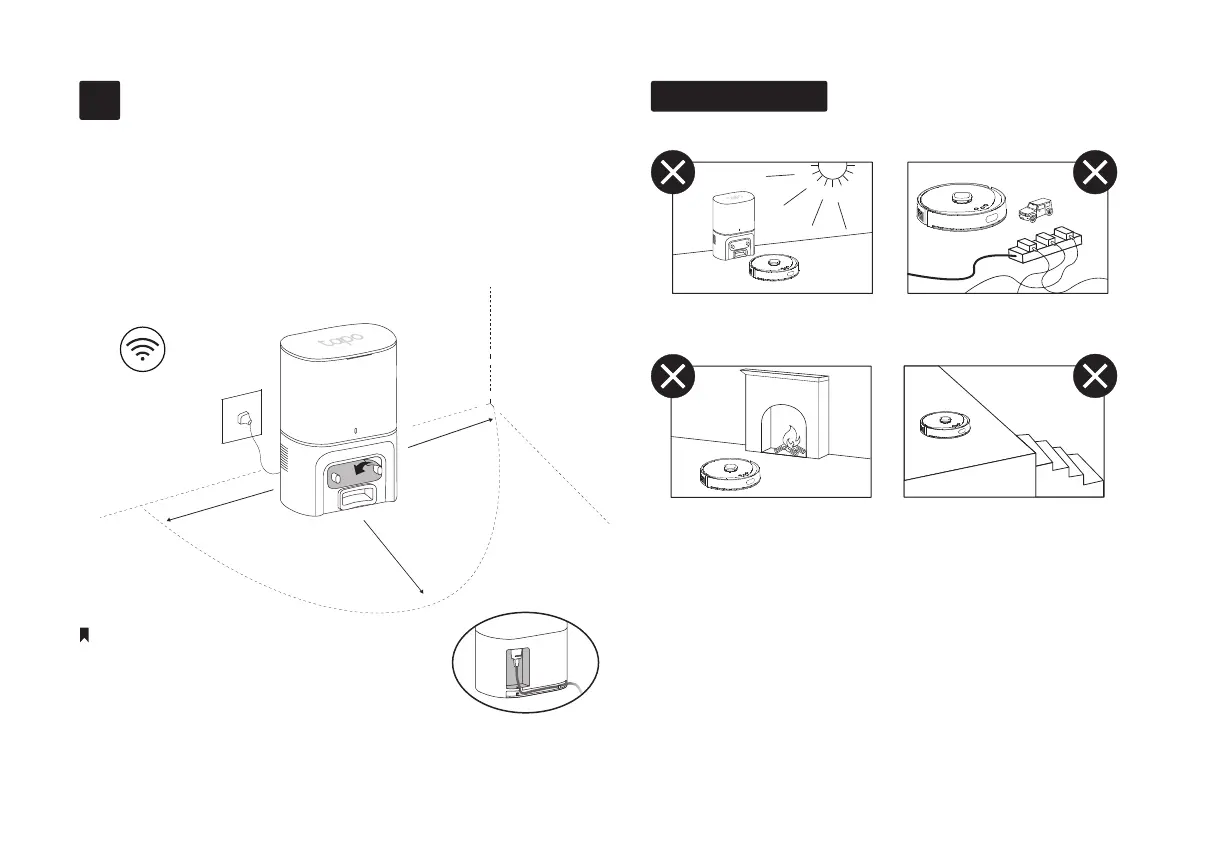
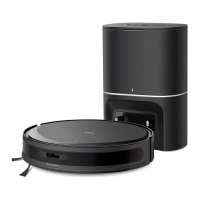
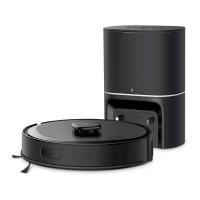
1. Position the dock on a hard, level surface against a
wall, ensuring 1.5m (4.9ft) of clear space in front and
0.5m (1.6ft) to the left and right.
2. Connect the power cord to the dock and power
source. Keep the cable tidy.
• Route the power cable on the back of the dock.
• Peel o the protective lm for optimal performance.
• Make sure the area receives good Wi-Fi signals.
• When the dock is powered on, the LED on the dock stays solid white.
• Always keep the dock powered on; otherwise, the robot vacuum will not
automatically return. Do not move the dock frequently.
Notes
Position the Dock
1
5
Important Tips
1. Avoid direct sunlight to ensure optimal performance
and precise cleaning.
2. Remove power cords and small objects from the oor.
3. Place physical barriers in front of replaces and air
vents that may damage the robot vacuum.
4. Anti-drop sensors are less eective if dirty or used on
carpeted or dark-colored oors. Try setting block zones
in the Tapo app after setup to prevent falls.
0.5m (1.6ft)
0.5m (1.6ft)
1.5m (4.9ft)
1 2
3 4


 To Next Page