Cleaning
6
• Cleaning cannot start if the battery is too low. Charge your robot vacuum rst.
• Before cleaning, remove power cords, small objects, and high-pile carpets from
the oor.
• If the cleaning area is too small, the area may be cleaned twice.
• If the robot vacuum is paused for too long, it will automatically enter sleep mode.
If the vacuum stays in sleep mode for 12 hours or if the battery level becomes
too low, the cleaning job will be canceled.
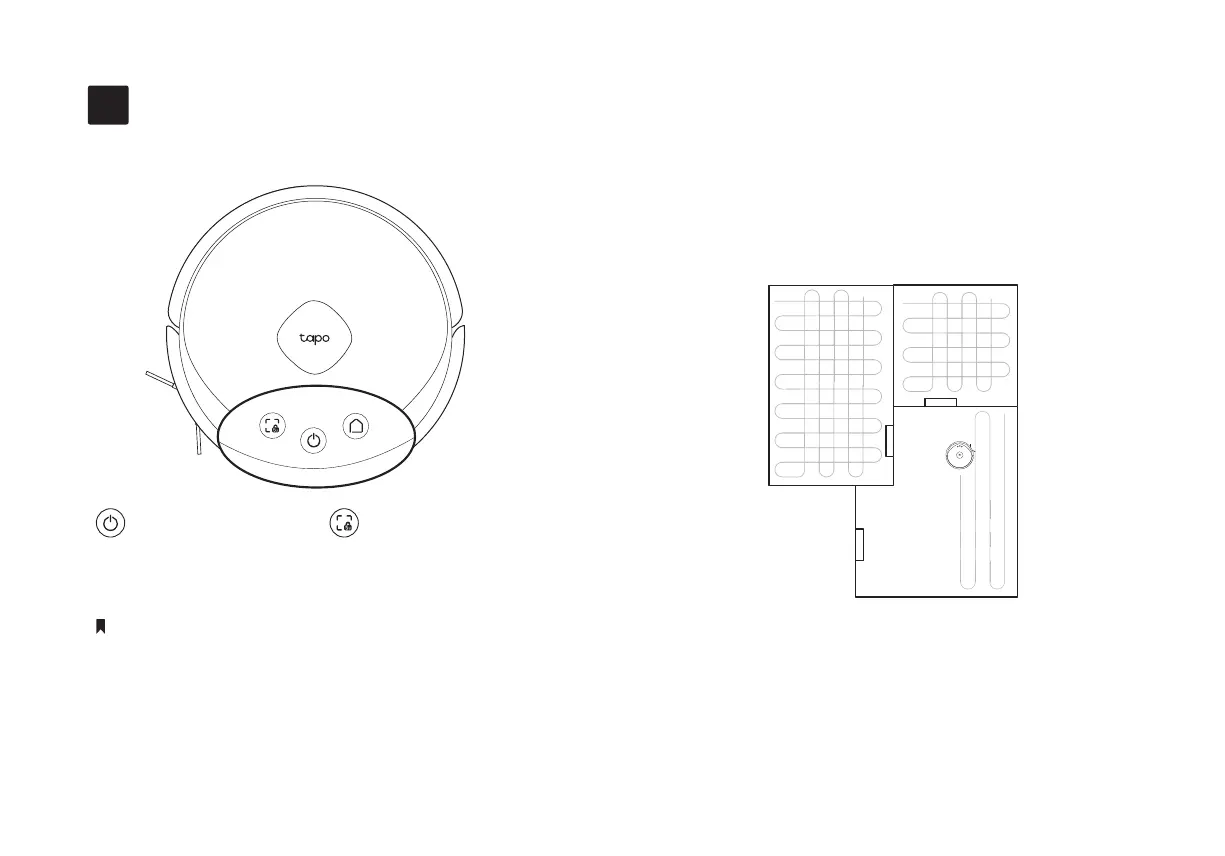
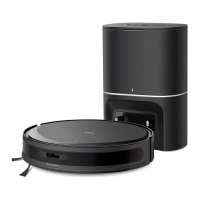
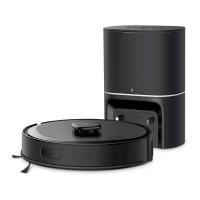
The robot vacuum will automatically explore and clean
your home in neat rows. It will return to the charging
station at the end of a cleaning job and whenever it
needs to recharge.
Notes
In Spot Cleaning mode, it will clean a rectangular area of
1.5m × 1.5m (4.9ft × 4.9ft) centered on itself. You can
also customize the cleaning pattern in the Tapo app.
8
Press Once
Start/pause cleaning. Start spot cleaning.
Press Once


 To Next Page