Overview
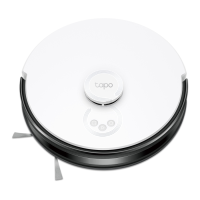
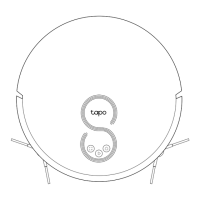
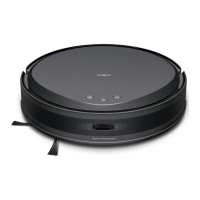
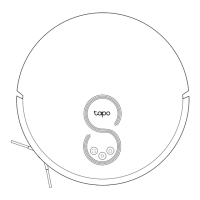
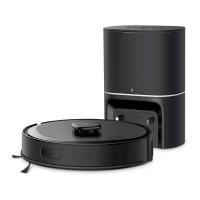
Robot Vacuum
2
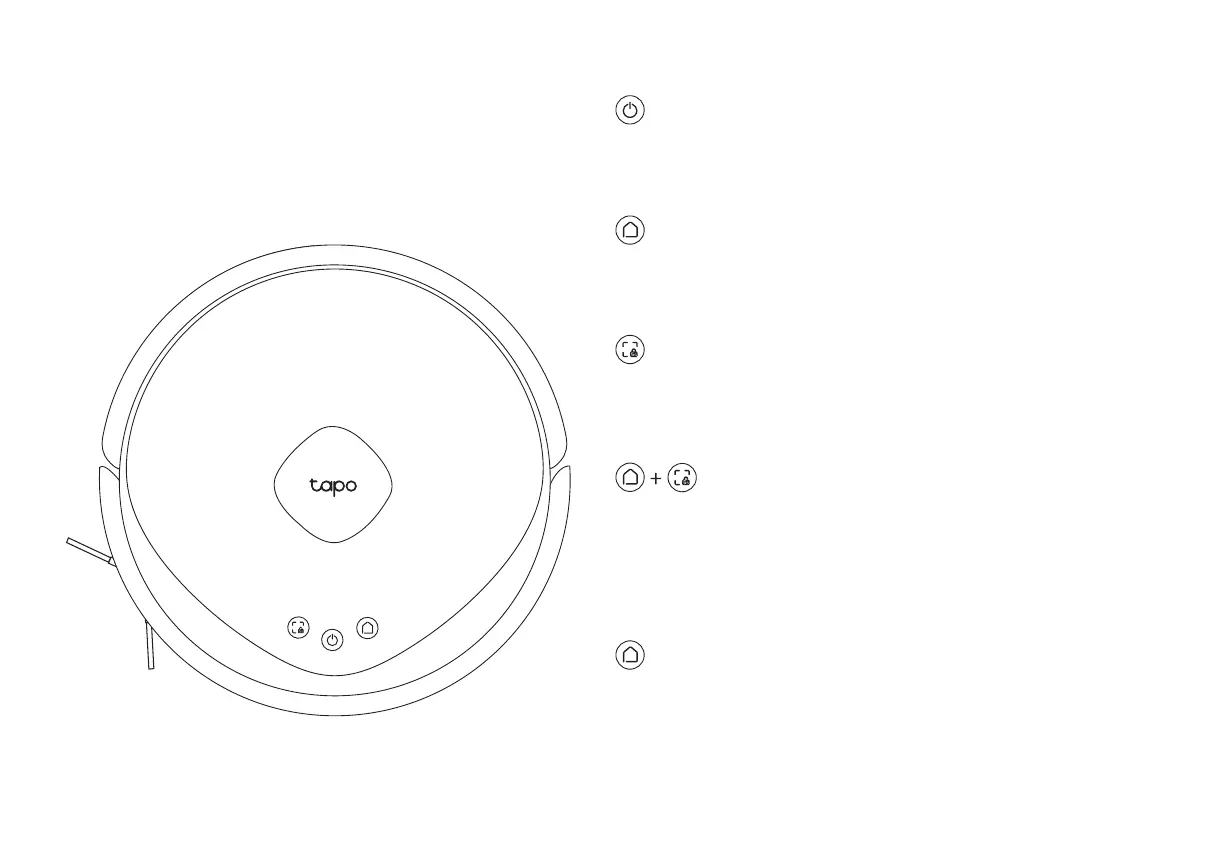
Combo Button
• Press and hold simultaneously for 5 seconds:
Enter setup mode to congure the network.
• Press and hold simultaneously for 10 seconds:
Restore to factory default settings.
• Return to the dock to charge.
• Empty the dustbin when docked.
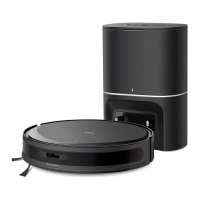
Dock
• Press once: Start spot cleaning.
• Press and hold for 5 seconds: Turn on/o the child lock.
Spot Cleaning/Child Lock
LED
• Red: Battery level < 20%; Error
• Orange: Battery level between 20% and 80%
• Green: Battery level > 80%
Power/Clean
• Press and hold for 3 seconds: Turn on/o the robot vacuum.
• Press once: Start/pause cleaning.


 To Next Page