Energy Saving ModeEnergy Saving Mode
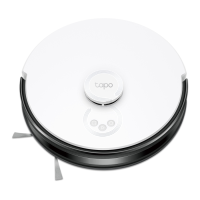
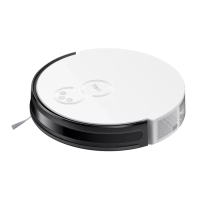
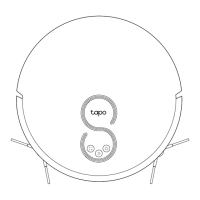
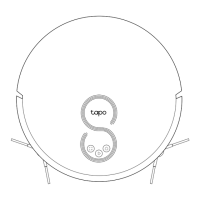
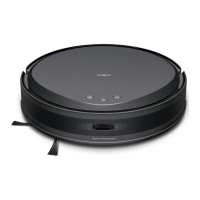
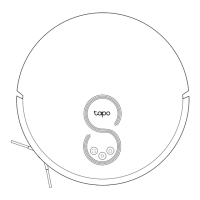
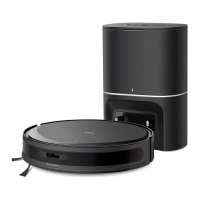
When the robot vacuum is docked, press and hold the Power button and the Dock button for more than 15 seconds
until the LED turns o. It will then enter the Energy Saving mode.
In this mode, only the charging feature will be active. All other functions, including LEDs and sensors, will be disabled, and Wi-Fi
will be disconnected.
To exit Energy Saving mode, press the Power button on the robot vacuum; it will automatically revert to the Normal mode.
20


 To Next Page