TD-W8950ND 150Mbps Wireless N ADSL2+ Modem Router User Guide
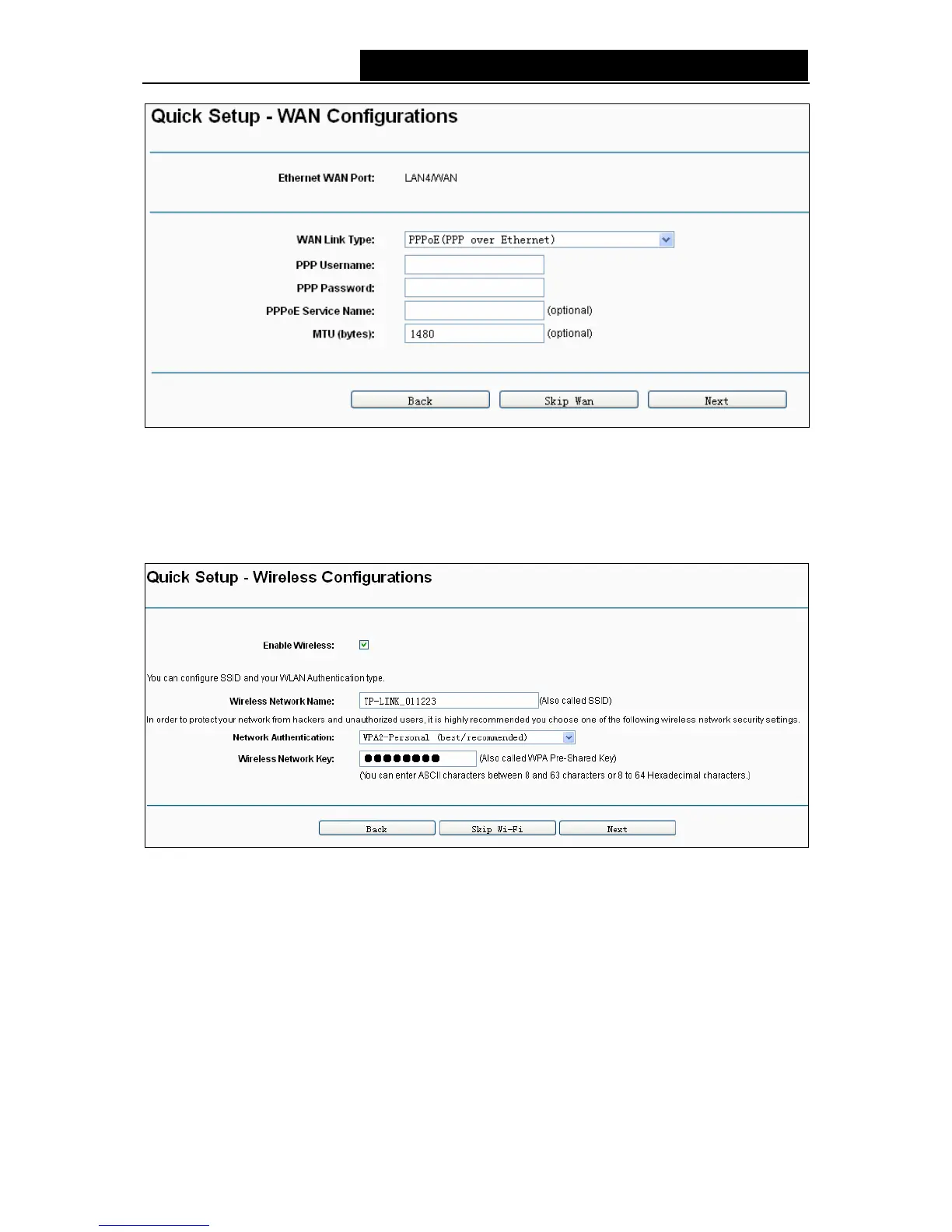
Figure 3-12
4. On the Wireless Configurations screen, you can rename your wireless network and create
your own password in this page. The default wireless network name is TP-LINK_XXXXXX;
and the default wireless password, the same as the PIN code, is printed on the bottom label.
Click Next to continue.
Figure 3-13
5. You will see the Summary screen below, click Confirm to configure these settings.
15



 To Next Page