TD-W8950ND 150Mbps Wireless N ADSL2+ Modem Router User Guide
4.4.8.1 Queue Config
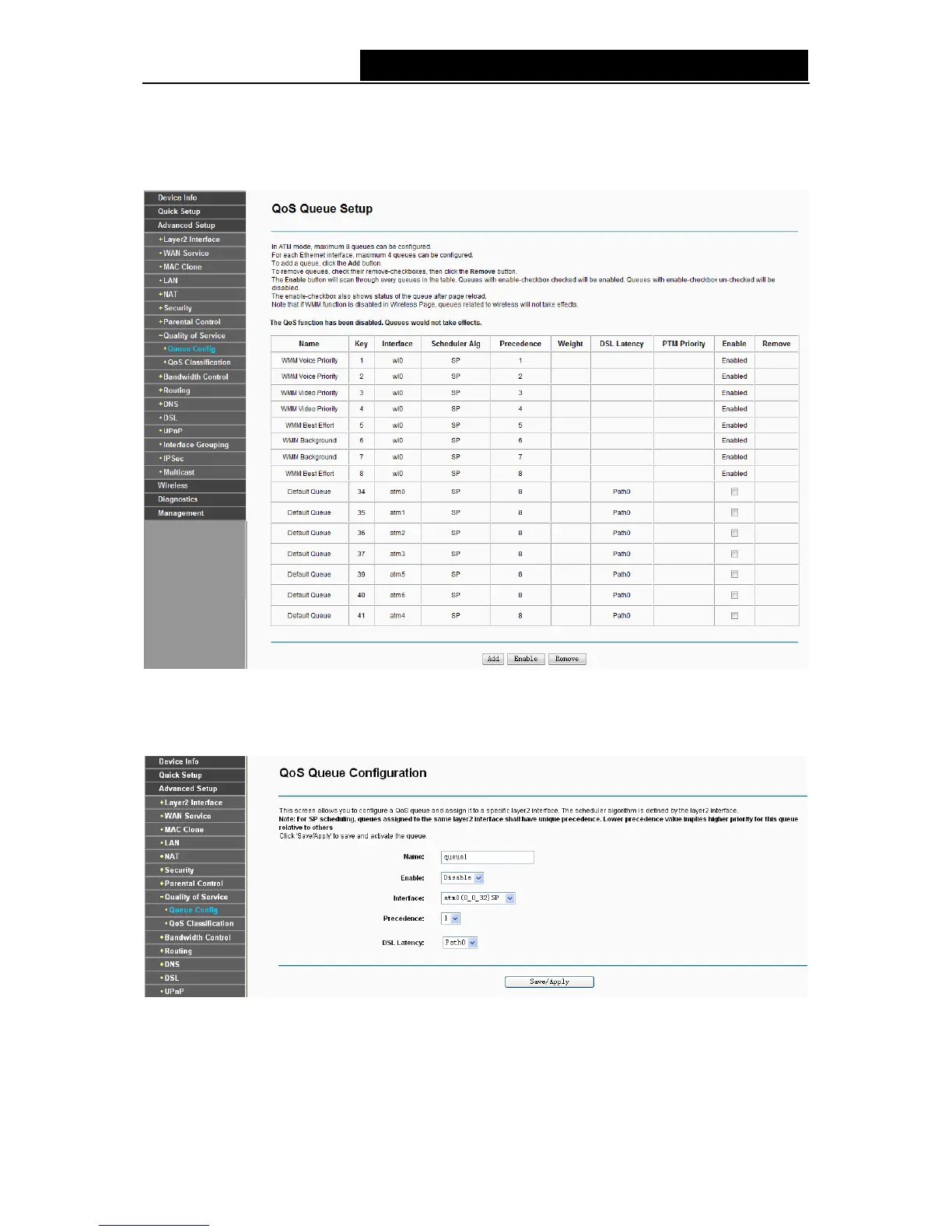
Choose “Advanced Setup”Æ“Quality of Service”Æ“Queue Config”, you can set up virtual
servers on the screen below.
Figure 4-42
Click the Add button in Figure 4-42, and you can configure the QoS queue entry on the next
screen as shown in Figure 4-43.
Figure 4-43
¾ Name: Set a name for the entry.
¾ Enable: Select Enable option to take this entry effect.
¾ Interface: Assigned a specific Wan Service for this QoS queue entry.
45



 To Next Page