TD-W8950ND 150Mbps Wireless N ADSL2+ Modem Router User Guide
4. Click Save/Apply to save the new configuration.
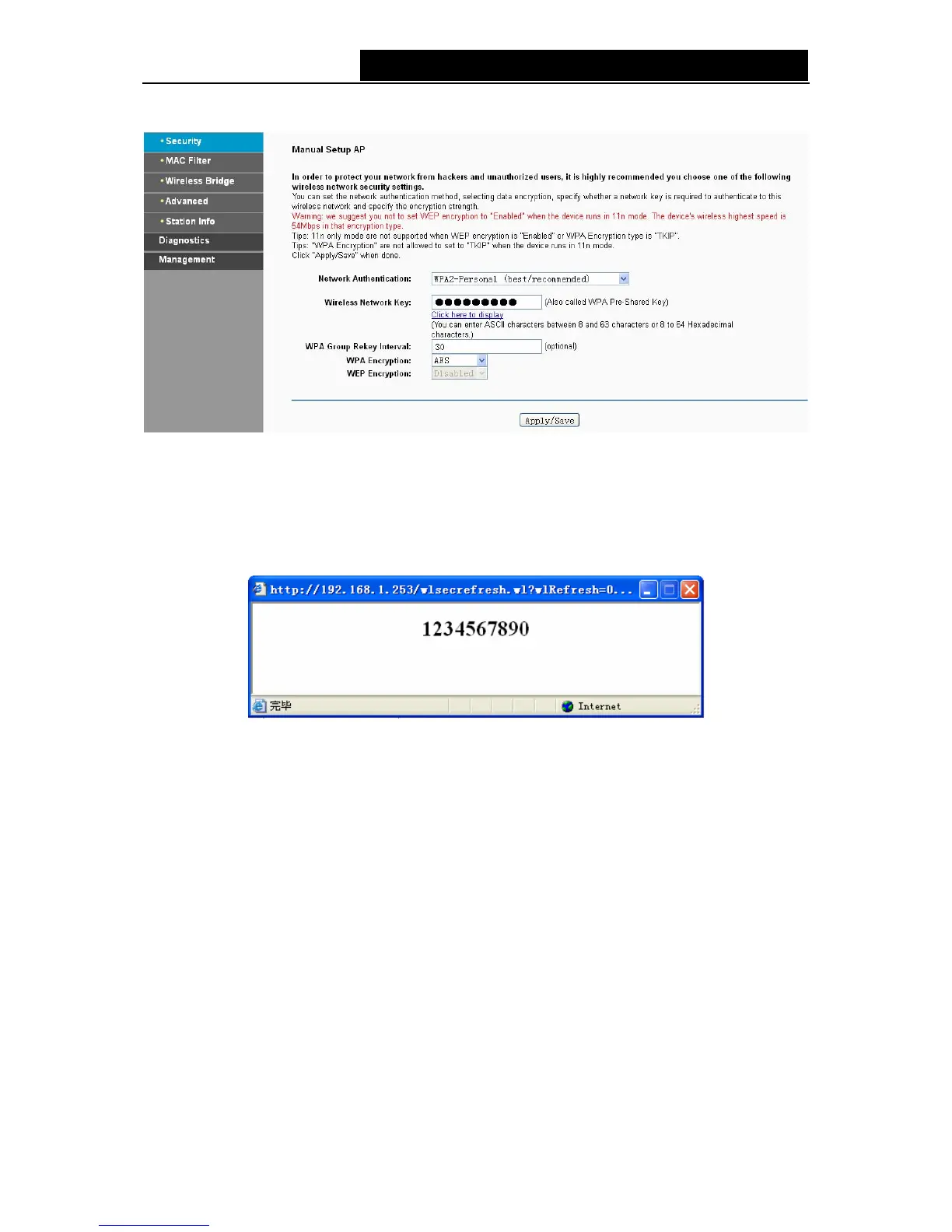
Figure 4-82
)
Note:
If you click the option “Click here to display”, the Figure 4-83 will pop-up, and it shows the
password you have set. In addition, it won't show the blank characters in both ends of the
password phrase.
Figure 4-83
4. WPA2-Enterprise
To configure WPA2-Enterprise settings, select the WPA2-Enterprise option from the drop-down
list. The menu will change to offer the appropriate settings. The steps of these settings are similar
to WPA settings.
74



 To Next Page