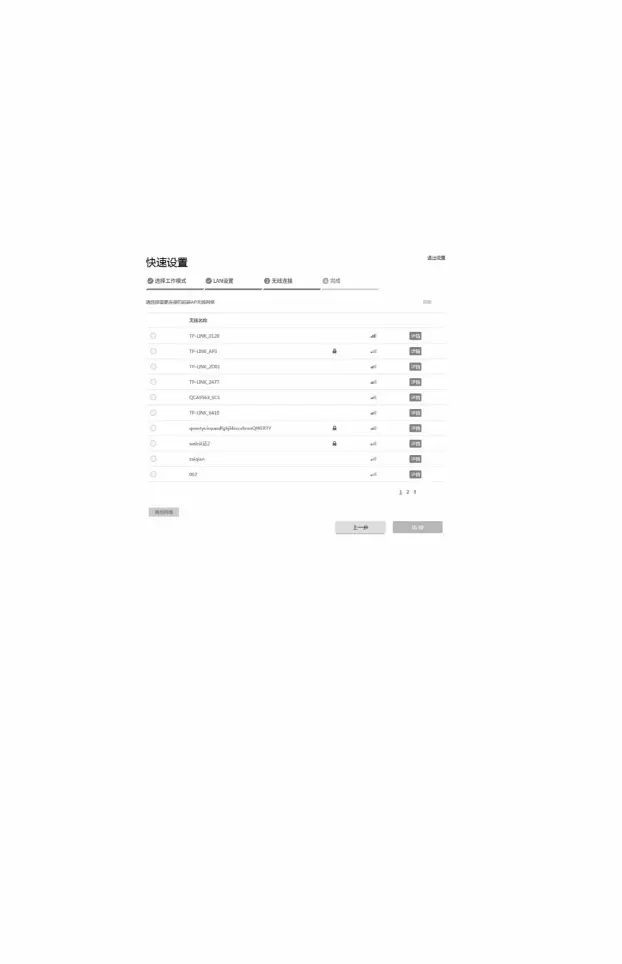
5) Client settings:
• Encryption algorithm: Select "WPA-PSK/WPA2-PSK" •
PSK key: Enter the PSK key of Access Point • Distance
setting: Enter the same distance as in AccessPoint configuration • Click the
<Next> button
SSID and click the <Connect> button
• SSID of the remote AP: Click the <Scan> button and select the Access Point
6) Complete: Click the <Complete> button.
14
Machine Translated by Google




 To Next Page