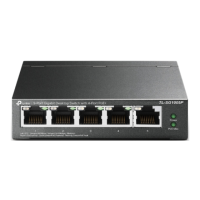
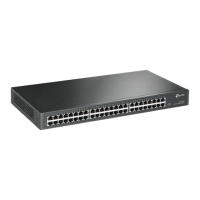
Cloud Management Switch Installation Manual
Common troubleshooting 11
Problem 3. The configuration disappears after power failure.
Problem 1. Forgot the switch username and password (how to restore factory settings).
Problem 2. Unable to log in to the local management interface of the switch.
Appendix A Common Troubleshooting
The switch configuration takes effect in real time, but you must click Save Configuration before powering off.
1. Observe the status of the indicator light, check whether the corresponding port cable is connected normally, and confirm that the port
If the port is not disabled, you can log in to the switch through another physical port;
3. Check the network connection through the Ping command. Enter the "cmd" command through "Start" ÿ
"Run" and click "OK" to open the command window. Enter ping 127.0.0.1 to check whether the computer's
TCP/IP protocol is installed; enter ping 10.18.18.251 ( the current IP address of the switch) to check whether
the connection between the computer and the switch is normal.
Press and hold the Reset button until all port indicators turn on and off. After releasing it, the switch will restart
and restore to factory default settings.
Please check by:
2. If the switch is managed through a local computer, please ensure that the IP address of the local computer and the IP
parameters of the switch are in the same network segment;
Machine Translated by Google


 To Next Page