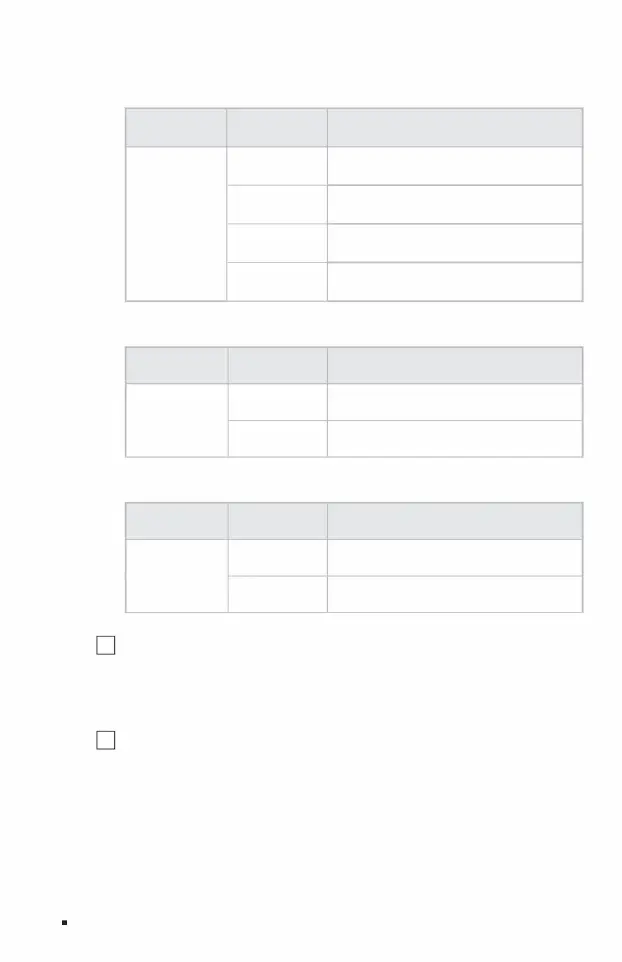
Flashing is transmitting data
indicator light
(10Gbps)
Power
Link/Act
06Product introduction
Off The switch is not powered on or the power supply is abnormal.
The yellow light indicates that the port connected to the device has a rate of 1/2.5Gbps.
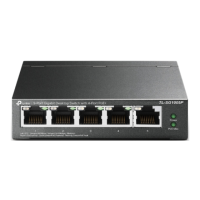
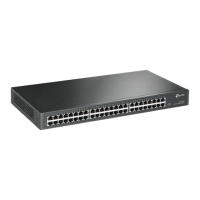
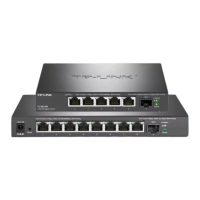
3 10Gbps SFP+ ports TL-SE2106/TL-
SE2109 each contain 1 10G SFP+ port, TL-SE2420 contains 4 10G SFP+ ports, and TL-SE2226 contains 2 10G SFP+
ports. The 10G SFP+ port supports 10G optical modules and is backward
compatible with 2.5G/1G optical modules. It is recommended to use TP-LINK’s 10G optical modules TL-SM512LS-10KM
and TL-SM512LM-300m.
2 Reset button reset
button. When the switch is powered on, use a pointed object to press and hold the Reset button of the switch for more than
5 seconds. The switch will automatically restore factory settings and restart. After restoring factory settings, the default
management address is http://10.18.18.251.
The green light indicates that the port connected to the device has a rate of 10Gbps.
Always on, the switch is powered on normally.
working status work description
Indicator light working status working instructions
Off USB is not connected or connected abnormally
USB
indicator light
Steady green USB connection is normal
Cloud Management Switch Installation Manual
Off No network device connected
working status work description
Power Indicator:
USB indicator light:
Link/Act indicator (SFP+):
Machine Translated by Google


 To Next Page