User Guide 90
Managing Physical Interfaces Port Isolation Configurations
3
Port Isolation Configurations
3.1 Using the GUI
Port Isolation is used to limit the data transmitted by a port. The isolated port can only send
packets to the ports specified in its Forwarding Port List.
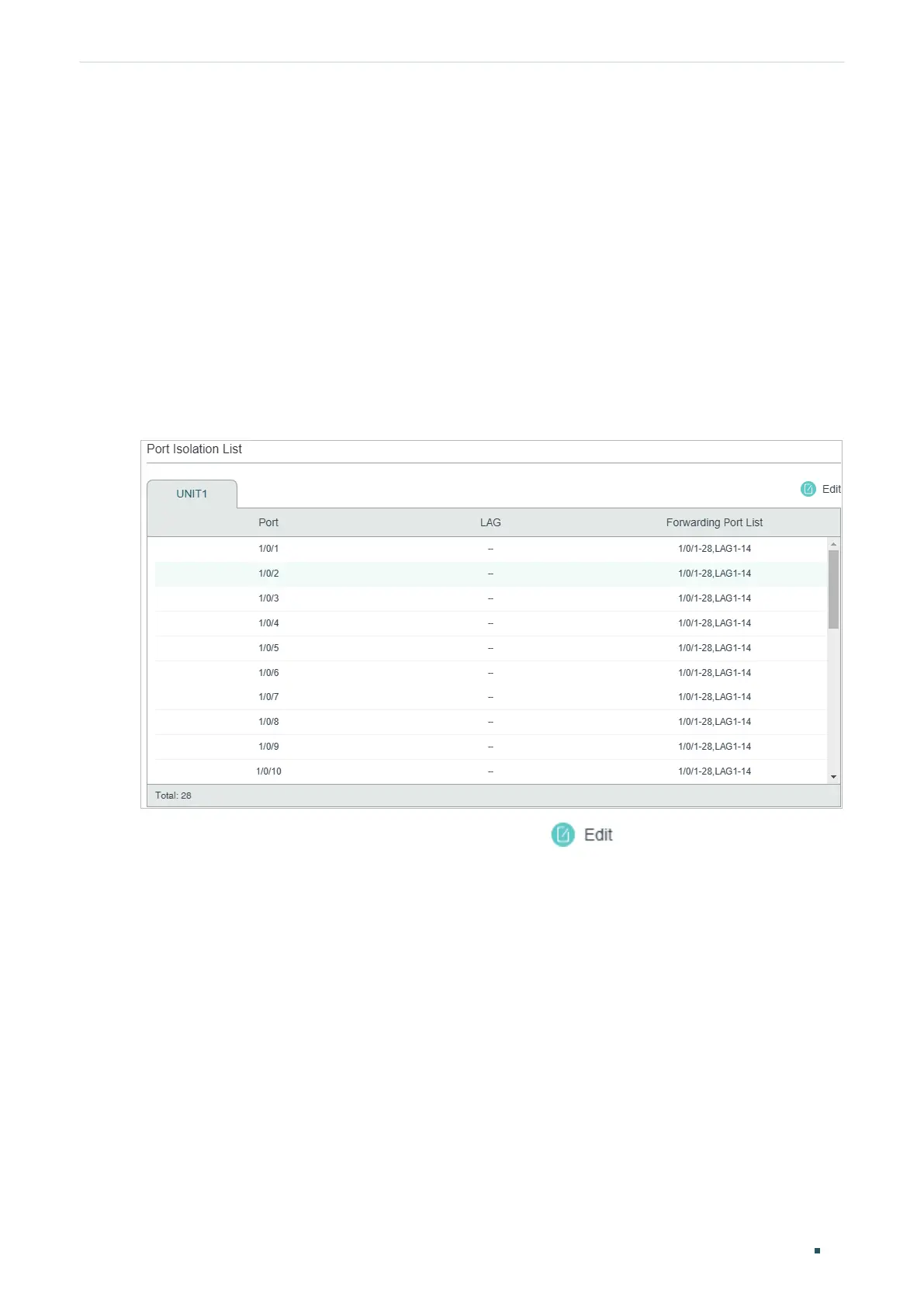
Choose the menu L2 FEATURES > Switching > Port > Port Isolation to load the following
page.
Figure 3-1 Port Isolation List
The above page displays the port isolation list. Click to configure Port Isolation on
the following page.











 To Next Page