59
Gigabit Web Smart Switch User's Guide
TL-SG2109WEB/TL-SL2210WEB/TL-SL2218WEB/TL-SL2428WEB/TL-SL2452WEB
Further Explanation
When priority rule is congured as "weighted", a 1,2,4,8 weighting is applied to
forward these four classes of packets.
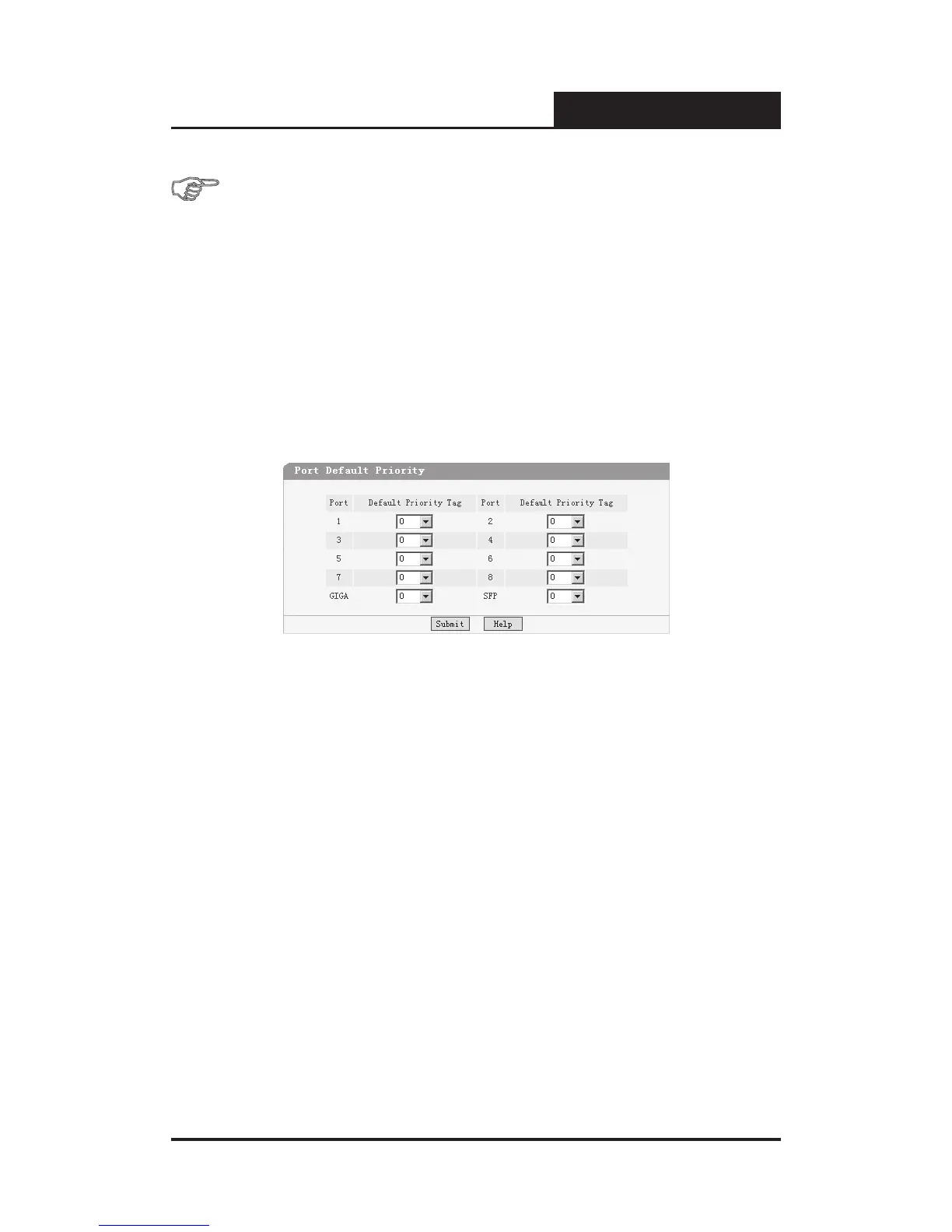
5.3.6.3 Port Default Priority
This page is revealed when the “IEEE802.1p” mode is congured. When a
switch port receives an untagged frame (a frame without priority tag), the port's
default priority tag will be inserted into the frame before any other process.
Figure 5-45 Port Default Priority
Port
¾
: Indicates the switch port number.
Default Priority Tag
¾
: Indicates 802.1p tag being inserted into untagged
frames.
5.3.6.4 802.1p Priority Class
This page is revealed when the “IEEE802.1p” mode is congured as shown
below:











 To Next Page