1.2 Cloud Management
1.1 Product Introduction
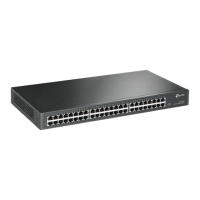
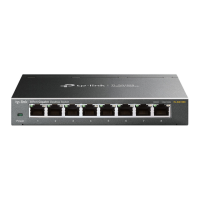
*The product-related illustrations in this manual are for illustration only. Please refer to the actual model. If there is no explanation, TL-ST2005 will
be used as an example.
The newly developed cloud management switch launched by Pulian Technology Co., Ltd. supports remote management such as TP-LINK Business
Cloud APP and TP-LINK Business Cloud Platform, making it easier to use.
The switch in this manual supports cloud management, which is explained using the TP-LINK Shangyun APP management interface. Please
refer to the following steps to migrate to the cloud.
Chapter 1 Product Introduction
Full 10 Gigabit Cloud Management Switch Installation Manual
Product Introduction01
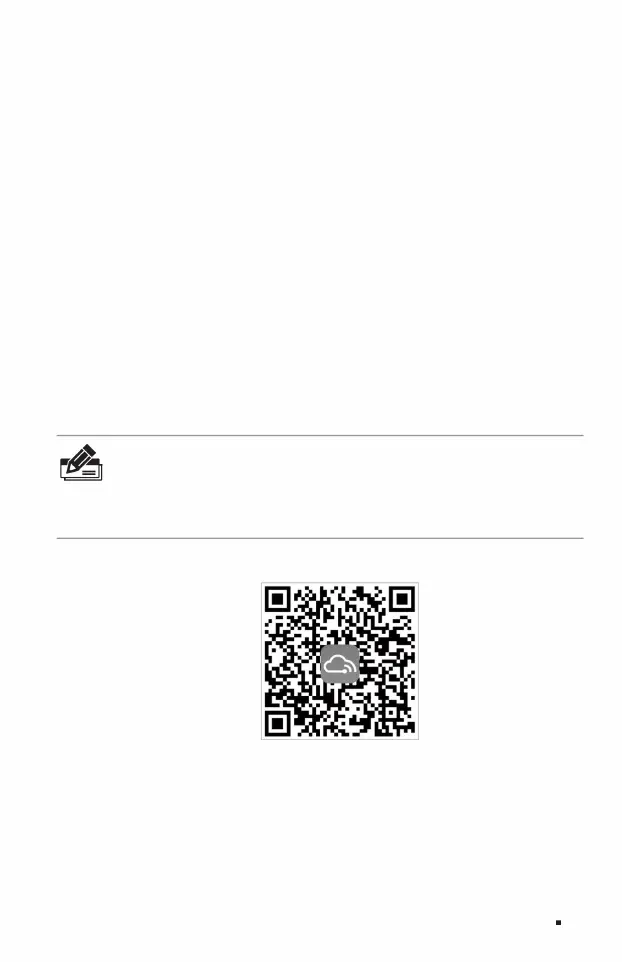
2. Scan the TP-LINK Business Cloud QR code, download and install the TP-LINK Business Cloud APP and register.
Figure 1-1TP-LINK Business Cloud
Note: You
can also open the browser, enter https://smbcloud.tp-link. com.cn/login.html in the address bar, log in to the TP-LINK commercial
cloud platform, and click Project>>Device Management>> Add network devices.
1. Make sure the switch is connected to the network and can communicate with the Internet.
3. After logging into the TP-LINK Shangyun APP, you can add the corresponding switch through the LAN and device ID QR code.
After the addition is successful, you can conveniently manage the switch anytime and anywhere.
Machine Translated by Google



 To Next Page