Appendix C: Field Sensor Replacement
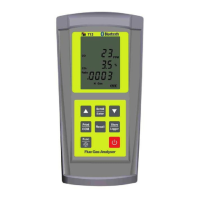
The DC710 uses field replaceable smart sensors. When you receive a sensor
it will come pre-calibrated. Factory calibration once per year is still impor-
tant to ensure your analyzer is functioning properly on all functions and
ranges.
Contact your TPI distributor to purchase replacement sensors.
Note: Y
ou must wait 24 hours after sensor replacement before using your
analzyer.
Follow these steps to replace the sensors:
1. Remove the protective rubber end caps using your hands to pry them from
both ends of the analyzer. .
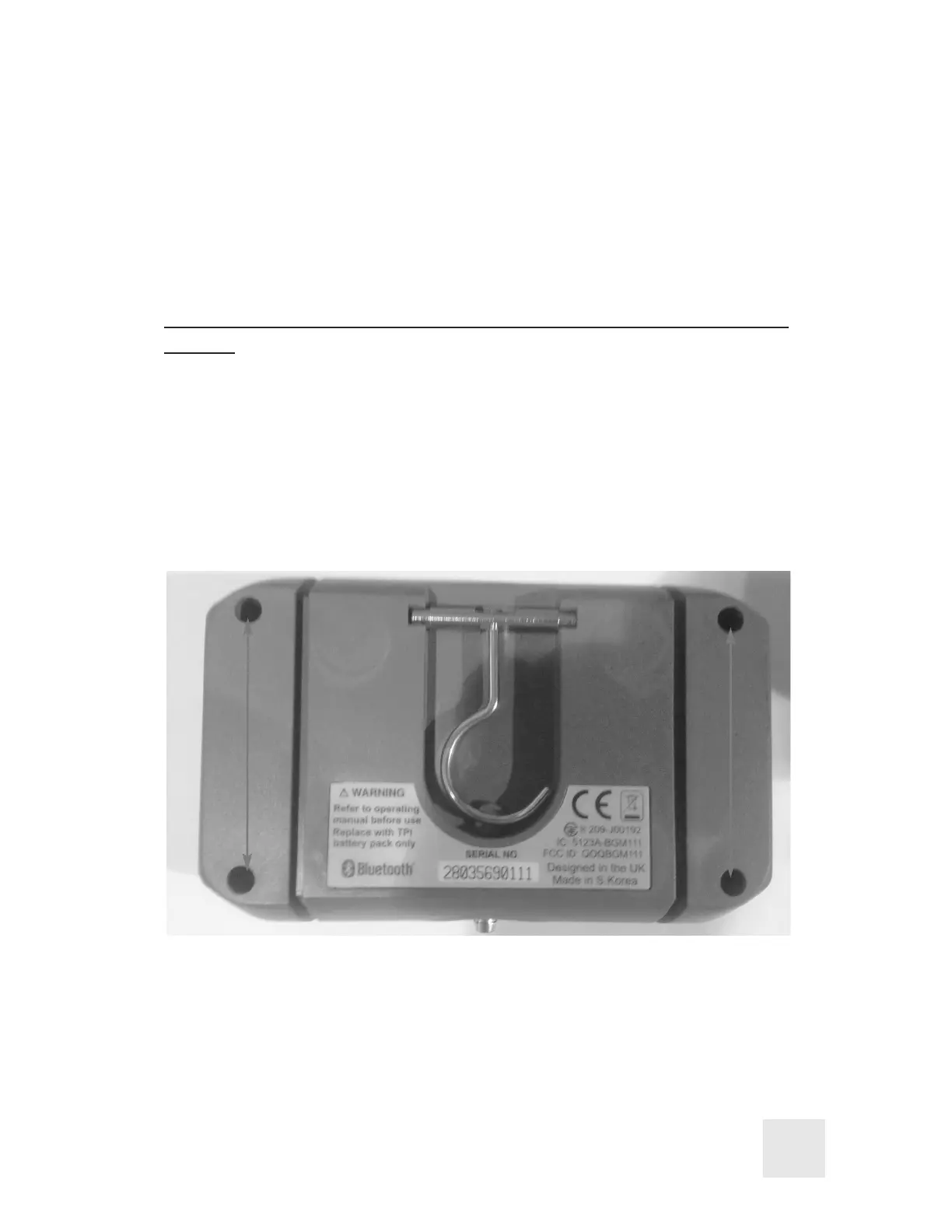
2. Locate the four screws holding the housing together. (see picture below)
3. Loosen the screw and remove the back housing by separating it from the
front housing.
25



 To Next Page