BASIC ANALYZER FUNCTIONS
Analyzer Battery
Your combustion analyzer is fitted with a Lithium Ion rechargable battery. It is
important to keep battery power to the sensors in your analyzer even when it
is not in use. Your analyzer battery status is indicated at the top right corner
of the TPI View App. .
Turning The Analyzer On & Connecting to the App
Always: - Before turning on please ensure that nothing is connected to the
Gas Sample Port
Press and hold the power button until the power
switch lights on.
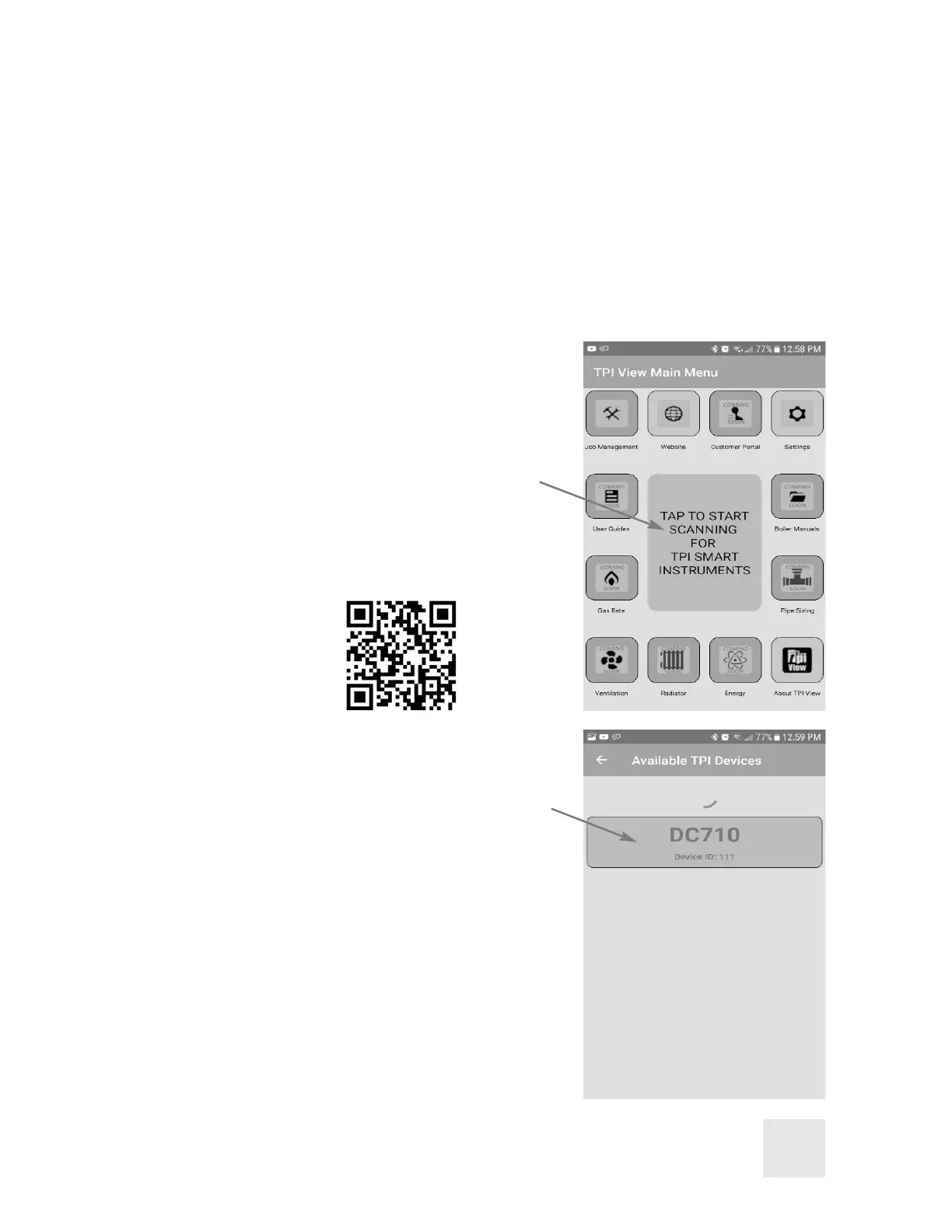
Start the TPI View App and tap the center icon to
begin scanning for TPI smart instruments.
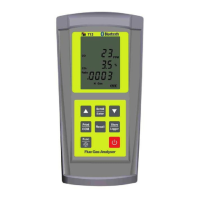
A list of devices will be seen Select the DC710 to
connect to by tapping on the desired device.
Once connected the Bluetooth indicator on the
DC710 will turn blue and the app will display
measurement information.
After start up, several tests can be performed to
ensure proper function of the analyzer and flue
probe. Please refer to Appendix A.
5
'RZQORDGWKH73,9LHZDSS
IURPWKH$SSOHDSSVWRUHRU
WKH*RRJOHSOD\VWRUHWREHJLQ
XVLQJ\RXU'&



 To Next Page