29
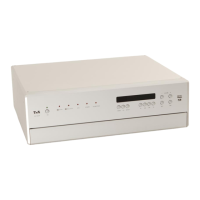
A long press on the button on the front panel or a brief press on the
button on the F3100 calls up the Station list menu. The following
Select points are available:
If you wish to create a new station list, select the item “Create new list”
and confirm your choice with .
The station search begins, and automatically searches for all radio
stations which the machine is able to pick up.
If you wish to update an existing list, select the item “Add new stations”.
The menu item “Sorting by …” allows you to sort the stored list by any of
several criteria.
Selecting a station from the
Station list
Pressing the / buttons on the F3100 or rotating the SELECT
knob on the front panel opens the list of all stored stations.
a) Select one of the stored stations with the / buttons or by
rotating the SELECT knob. The station you choose is now displayed in
enlarged form.
Press the or button to select the enlarged station for
playing.
Pressing the button returns you to the station to which you are
currently listening (quit).
b) Position indicator in the Favourites list.
Stations to which you often listen can be stored in a Favourites list; this makes it
easier to select them (see the section entitled “Favourites list”).
If the station being received is broadcasting relevant RDS data, the following
information will be displayed on the screen:
Station name
Radiotext
Program type (genre)
For stations that do not support the RDS system or only partially or with
weak reception, no information will be displayed.


 To Next Page