20
Setup for rst use
Select the .FFF file you received from Tractus3D and click Open
You will get a message which name the software gave the imported settings file.
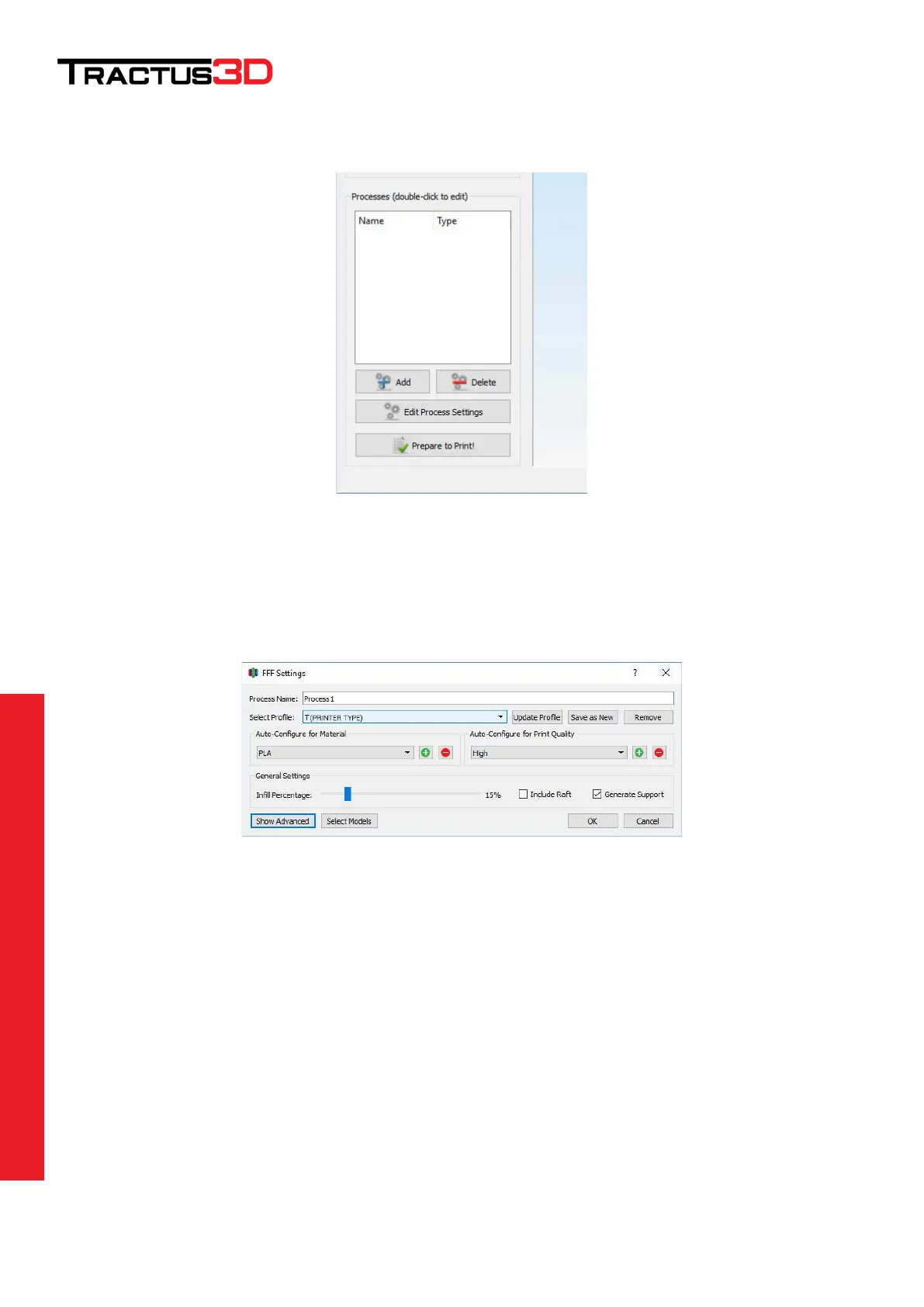
Next go at the left side of the screen to Processes and click the Add button.
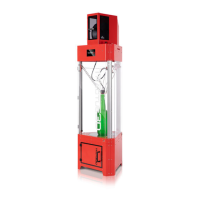
Select the imported settings under Select Profile:
Give the process profile you are making a name by entering a recognizable name in Process Name:
To see more details of the process, click on Show Advanced
Click on OK to close this window, your process profile is set up now


 To Next Page