28
ARTC-SVX013A-EN
Devices Menu
All device menu screens have a similar look and feel,
reflecting control is also similar. They share the following
properties:
• Menus as standard across the whole system
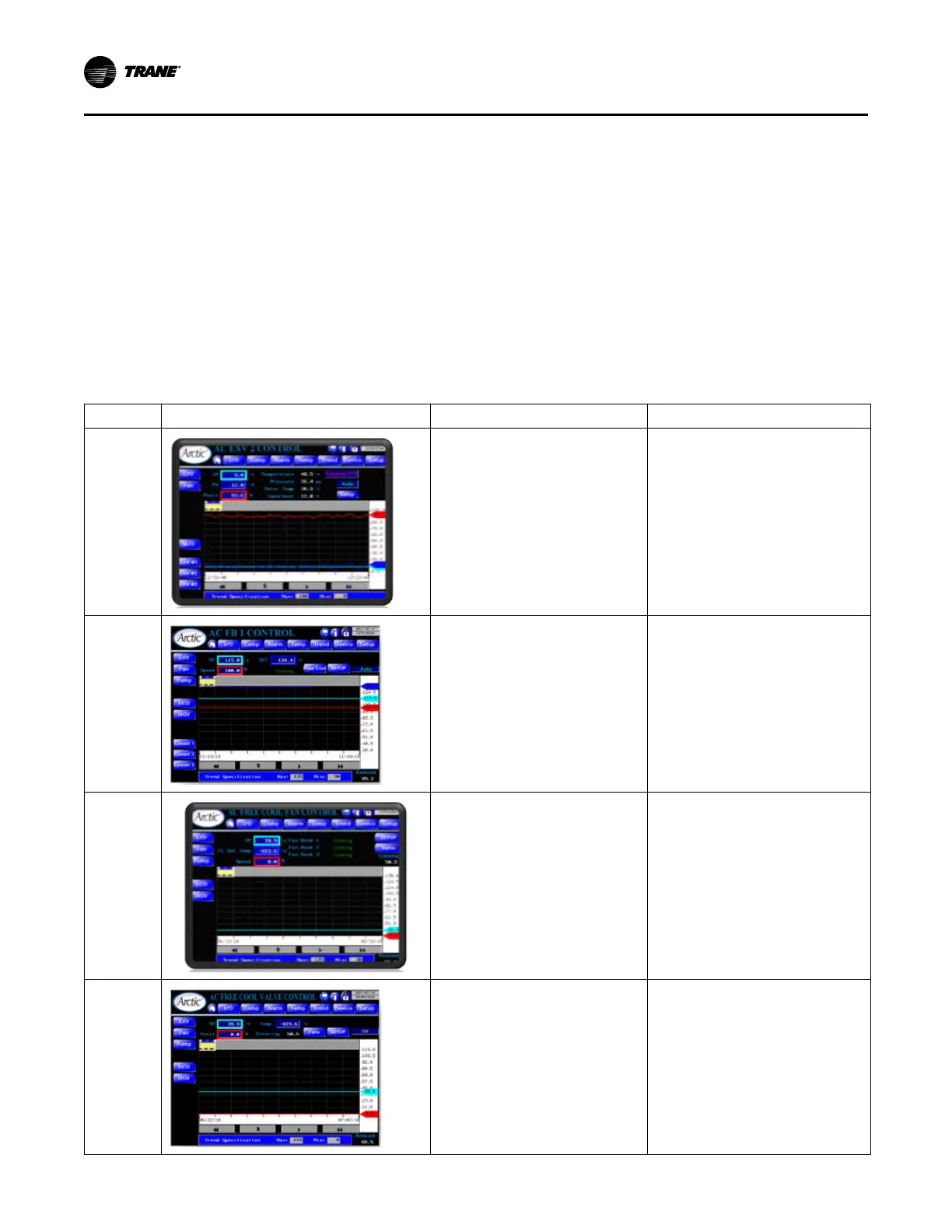
• Display of current values for the KPIs (colour coded):
– PV – Process value (cyan) is the signal the system
is using for control.
– SP – Setpoint (navy) is the value the system is
trying to achieve.
– CV – Control Value (red) is the output value to the
controlling device.
• Trend Display from the previous 30 minutes also using
the colour code above.
– You can change range of the vertical axis with the
Max/Min entries.
– Calendar control allow access to historical data.
• HOA control, when in Manual control a data entry
appears for the user to manipulate.
• Setup button – allows access to detailed control of the
device.
The following table shows the standard set of devices
menu screens.
Table 9. HMI devices menu screens
Screen User Interface Function Access
EXV Control
• Display trend and settings of
electronic expansion valves controls
(see “Enhanced EXV Control,” p.
37).
• Display expanded trend data.
Main Menu > Devices Menu > EXV
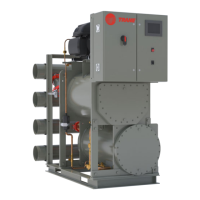
Fan Bank
Control
• Display trend and settings of banks
of fans controls (see “Condenser
Control,” p. 39).
• Provides access to free cooling fan
control screen.
Main Menu > Devices Menu > Fan
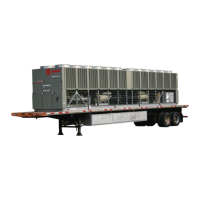
Free Cooling
Fan Bank
Control
• Displays trend of free cooling
controlled temperature against fan
speed in free cooling mode and
settings.
• Provides access to free cooling valve
control screen.
Main Menu > Devices Menu > Fan > Free
Cool
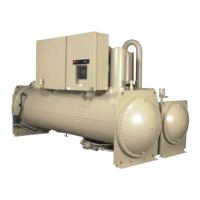
Free Cooling
Valve
Control
• Displays trend of free cooling
controlled temperature against free
cooling valve position and settings.
• Provides access to free cooling fan
control screen.
Main Menu > Devices Menu > Fan > Free
Cool > Valve
Operating Procedures


 To Next Page