15
Setup Manual - Butler S2
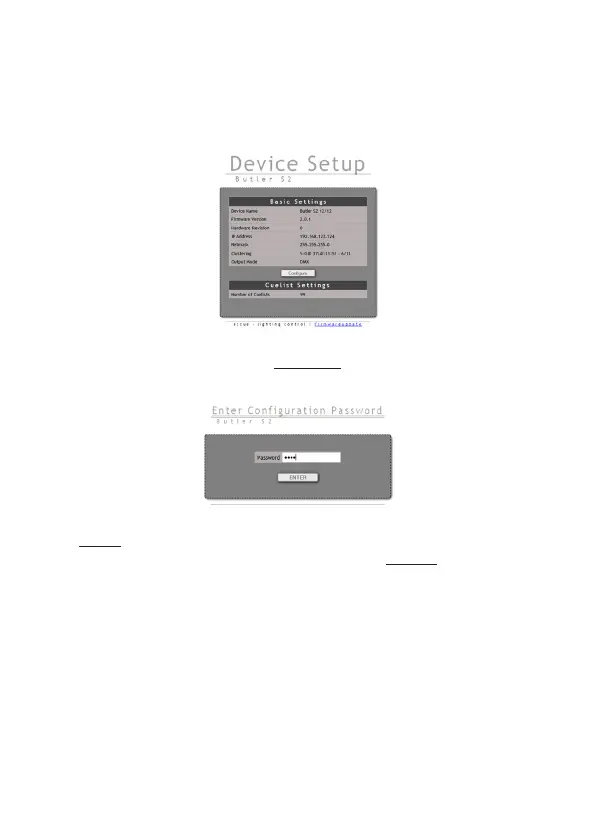
field of the browser, in factory state 192.168.123.1 (if the Butler was configured
differently before and you do not know the IP address, perform a »Reset to factory
settings«). You can now see the current settings and parameters.
To change the configuration, click the Congure button and enter the password.
The default password is “ecue”, it can be changed during configuration.
Click Enter and the main configuration dialogue gets displayed. Change the
parameters (explained in the following chapter) and click Submit.


 To Next Page