16
Setup Manual - Butler S2
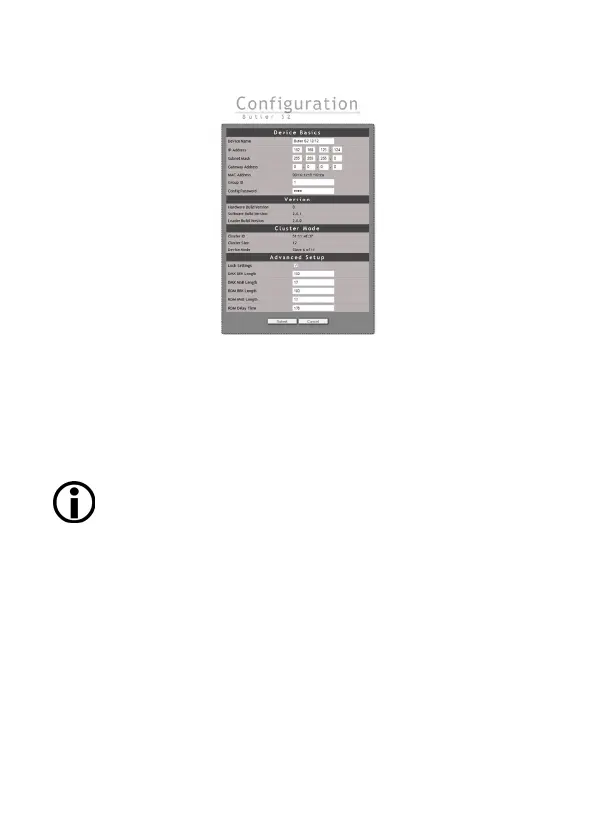
Online configuration
If not already available, download the e:cue Lighting Application Suite (LAS), for this
visit www.traxontechnologies.com and follow the download link from the LAS page.
Install the e:cue Lighting Application Suite on a server system like a notebook or a
PC system.
The Butler S2 requires e:cue LAS Version 5.6 or higher.
Connect the Butler S2 with power and via a standard LAN patch cable over an
Ethernet switch to the server (LCE or PC). If you want to connect the Butler S2
without Ethernet switch to the server use a so called cross cable, as not all Ethernet
interfaces support automatic RX/TX detection.


 To Next Page