10
Hardware
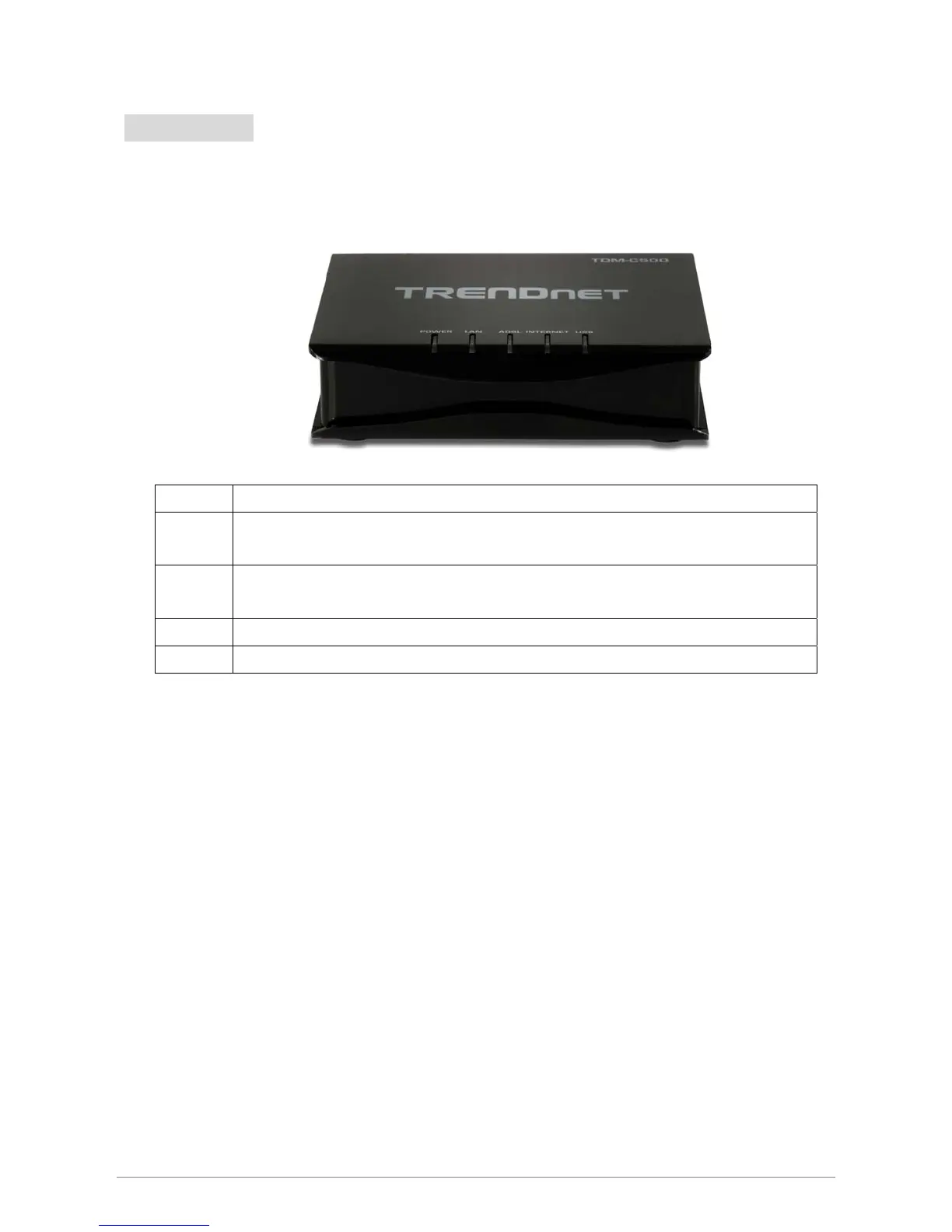
Front Panel
The TDM-C500 ADSL2/2+ Modem Router’s LEDs indicators display information about the device’s
status.
Power Lights up when TDM-C500 ADSL2/2+ Modem Router is powered on.
LAN
Blinking when Port 1 of this TDM-C500 ADSL2/2+ Modem Router is sending or receiving
data.
ADSL
Lights up when a successful ADSL2/2+ connection is established.
Blinking when it is attempting to make an ADSL connection with ISP.
INTERNET Lights up when connection is established to Internet.
USB














 To Next Page