11
Back Panel
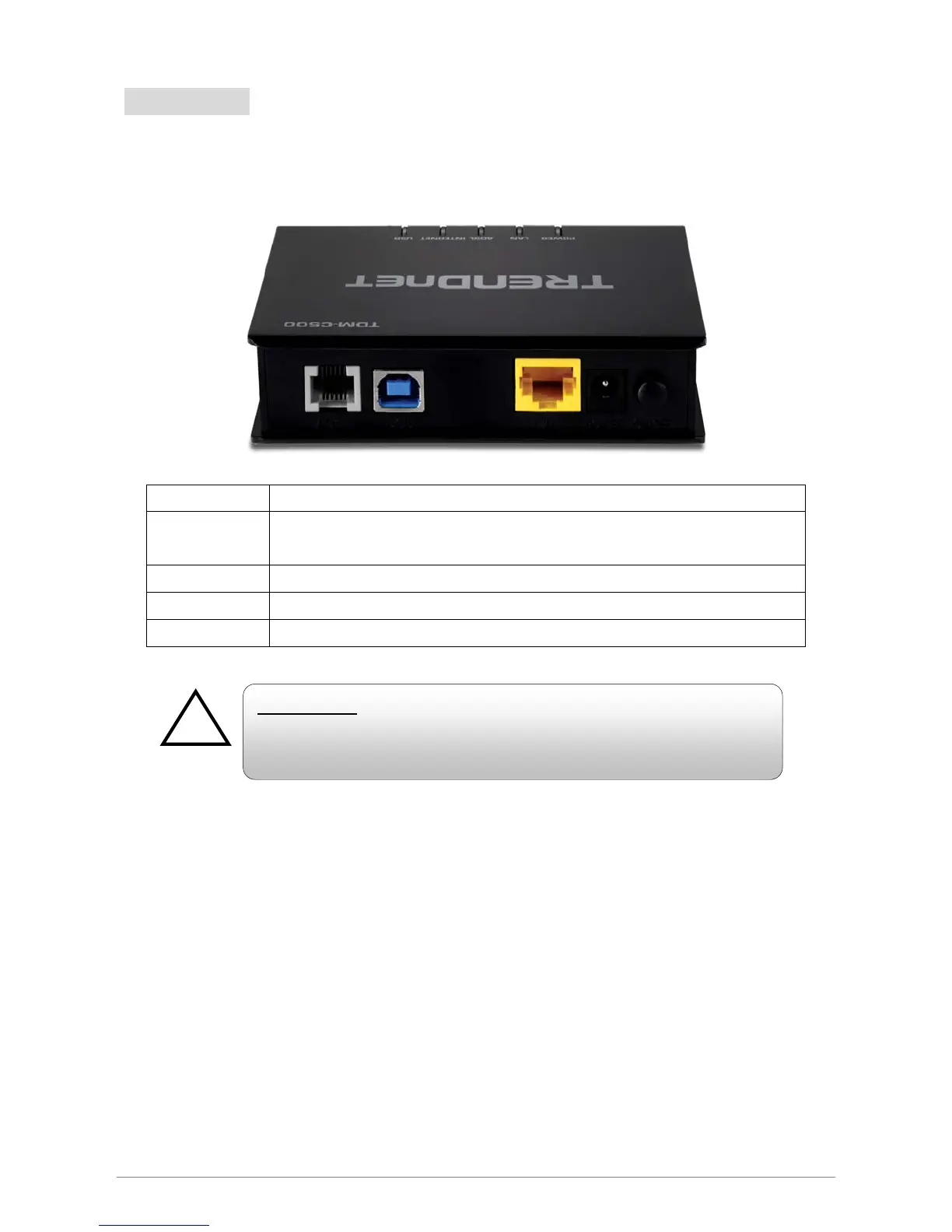
The back panel of the TDM-C500 ADSL2/2+ Modem Router contains ADSL, Ethernet Switches,
Reset, Power Adapter connection.
ADSL Port for connecting to the ADSL2/2+ Service Provider.
USB
Port for connecting to the network through USB (both USB and LAN port cannot be
used at the same time.
LAN 10/100Mbps Ethernet Port for connecting to the network devices
Power Power adapter connector.
On/Off Power ON/OFF button.
To “Reset” the TDM-C500 ADSL2/2+ Modem Router to factory defaults:
Ensure that the device is powered on.
Press the Reset button for more than 10 seconds and release. Wait for 30 seconds after release
the Reset button. Do not power off the device during the reset process.
The default settings are now restored after 30 seconds.
RESET Button:
Reboot & Restore the TDM-C500 ADSL2/2+ Modem Router to factory
defaults.














 To Next Page