6
DHCP (Get IP dynamically from ISP): Click the radio button to enable DHCP (Get IP dynamically
from ISP) option.
Nothing to be filled under this mode. Just click the “Save” button to confirm your setting.
Click Commit and Reboot button to commit changes to system memory and reboot router.
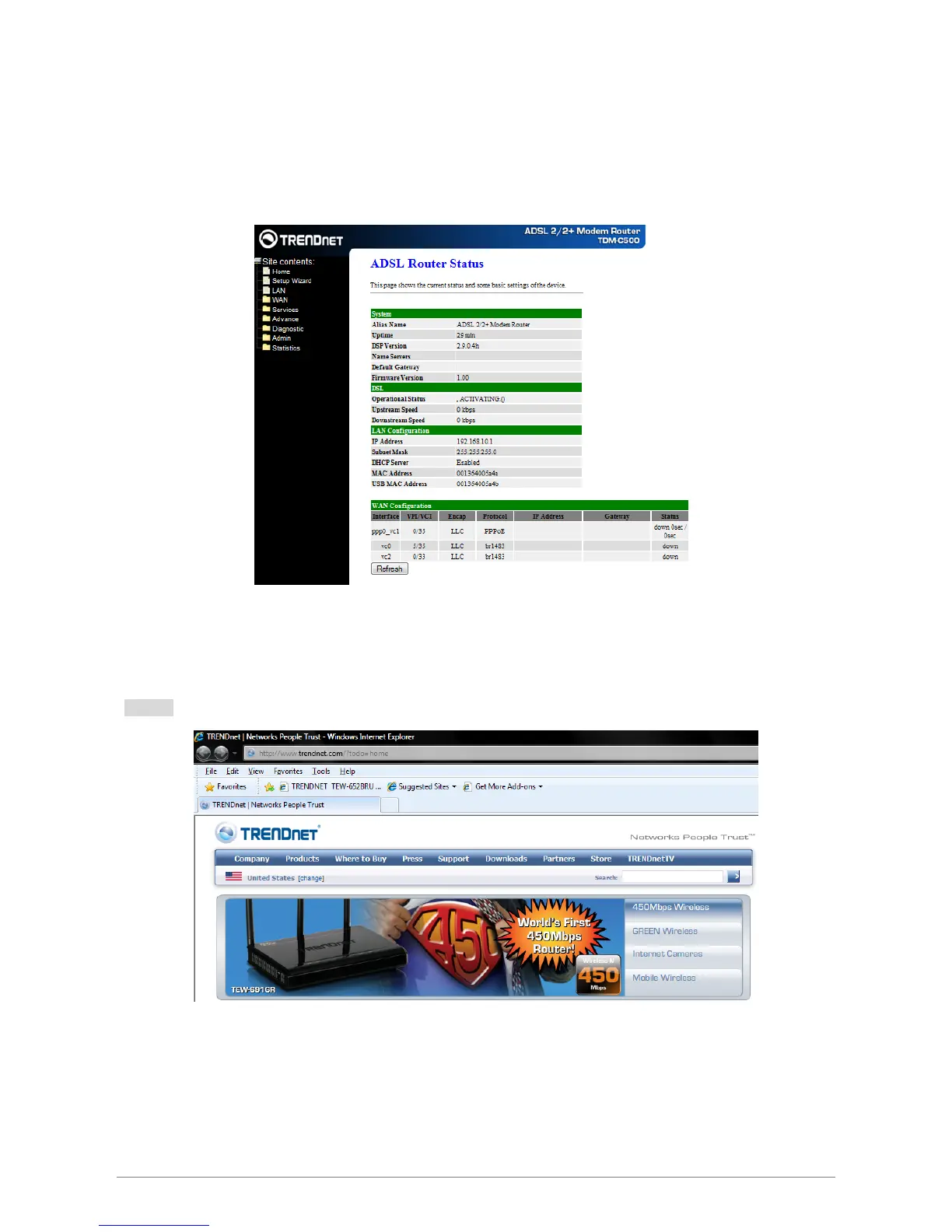
The following page with the device setup information will be displayed.
Note: If the final settings are different from what you’d selected in STEP 1, click Setup Wizard and redo the
setup procedures or else check your dealer immediately for technical support.
Step 2:
Launch your web browser, and browse the Internet.














 To Next Page