TEW-753DAP User’s Guide System Conguration
© Copyright 2013 TRENDnet. All rights reserved.
46
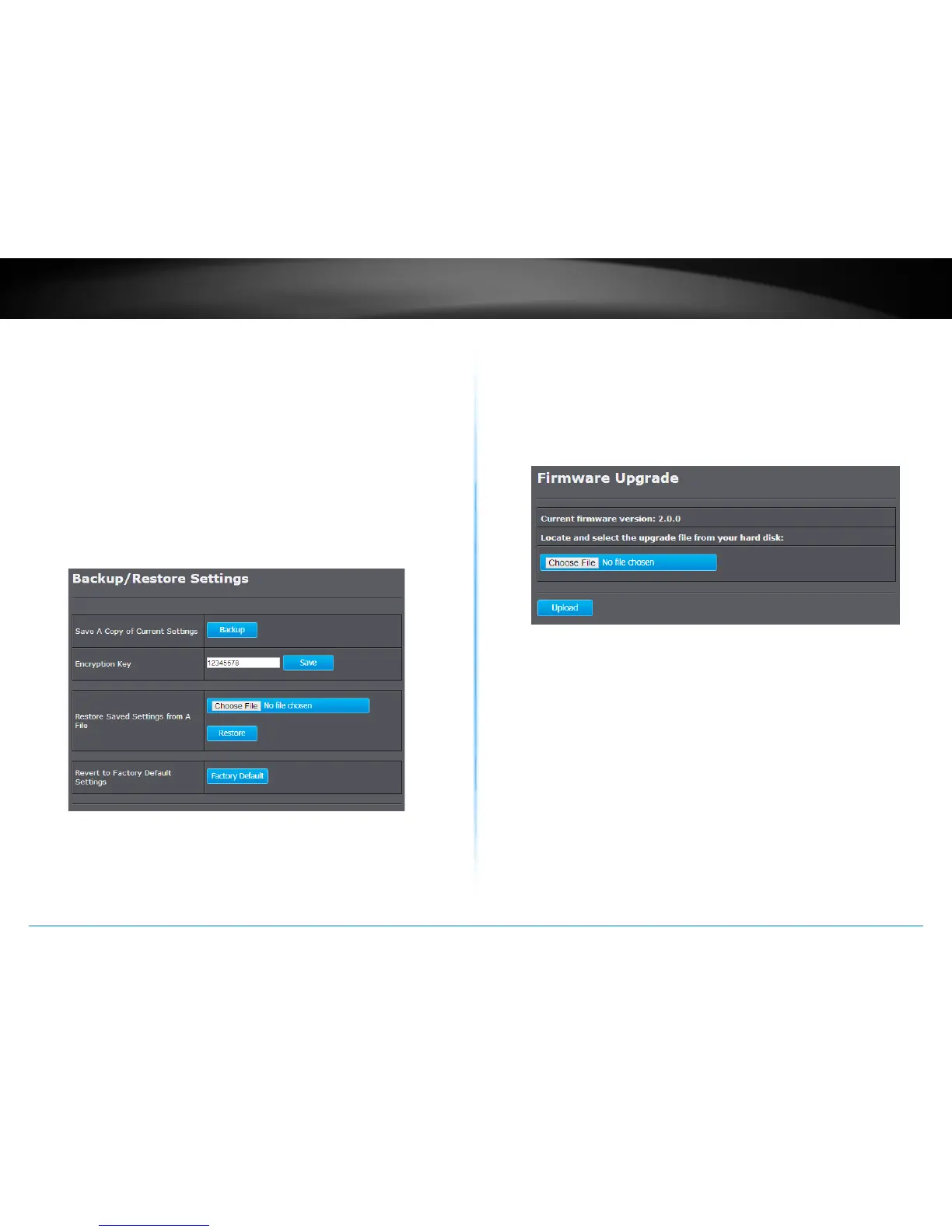
Backup / Restore Sengs
This page allows you to save the current conguraons. Click Backup to
save your current conguraon.
To load previously saved conguraons, click Choose File to nd the
conguraon le and then click Restore. The conguraon le is
encrypted with an Encrypon Key. Enter your encrypon key and then
click Save to save the key to the TEW-753DAP. The new conguraon
le will be saved and encrypted with this new key.
In case you want to reset TEW-753DAP’s conguraons back to factory
defaults, click Factory Default in this page. All conguraons will be set
back to their original default sengs.
Firmware Upgrade
TRENDnet may periodically release rmware upgrades that might add
features or x problems associated with your TRENDnet model and
version. To nd out if there is a rmware upgrade available for your
device, please check your TRENDnet model and version using the link.
hp://www.trendnet.com/downloads/
1� If a rmware upgrade is available, download the rmware to your
computer�
2� Unzip the le to a folder on your computer.
3� Log into the TEW-753DAP
4� Click on Management and then Firmware Upgrade
5� Click Choose File and navigate to the folder on your computer in
which the unzipped rmware le (.bin) is.
6� Located and select it the rmware le.
7� Click Upload�















 To Next Page