© Copyright 2019 TRENDnet. All Rights Reserved.
Industrial Managed Switch Series
Web Configuration
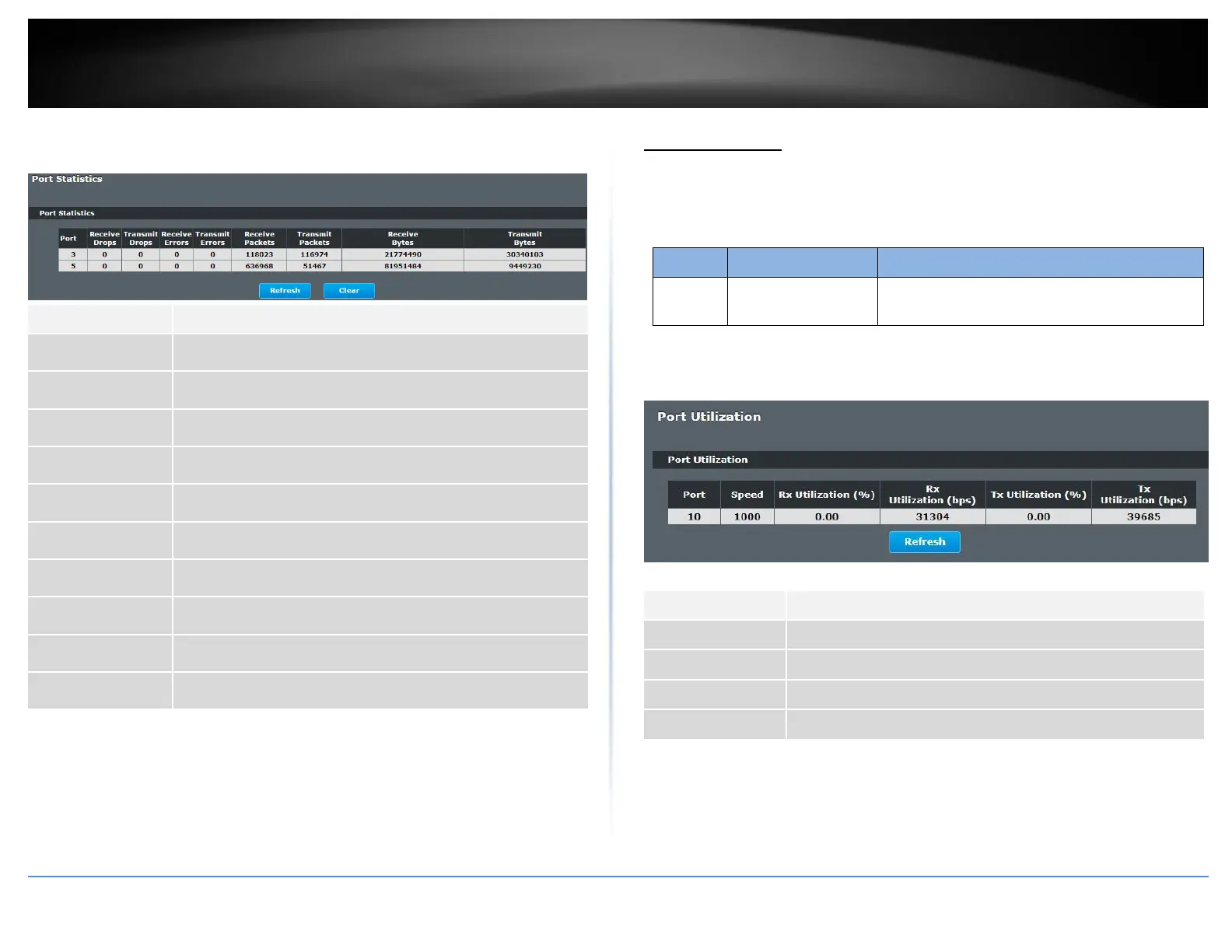
Monitor > Port Statistics
Select a port or a range of ports to display their statistics.
The field displays the received packet count.
The field displays the transmitted packet count.
The field displays the received byte count.
The field displays the transmitted byte count.
The field displays the received error count.
The field displays the transmitted error count.
The field displays the received drop count.
The field displays the transmitted drop count.
Click this button to refresh the screen quickly.
Port Utilization
This feature helps users to monitor the ports’ traffic utilization, to display the link up
ports’ traffic utilization only.
CLI Configuration
This command displays the link up ports’ traffic
utilization.
Web Configuration
Monitor > Port Utilization
Select a port or a range of ports to display their RMON statistics.
The port traffic utilization.
Click this button to refresh the screen quickly.














 To Next Page