© Copyright 2019 TRENDnet. All Rights Reserved.
Industrial Managed Switch Series
Information
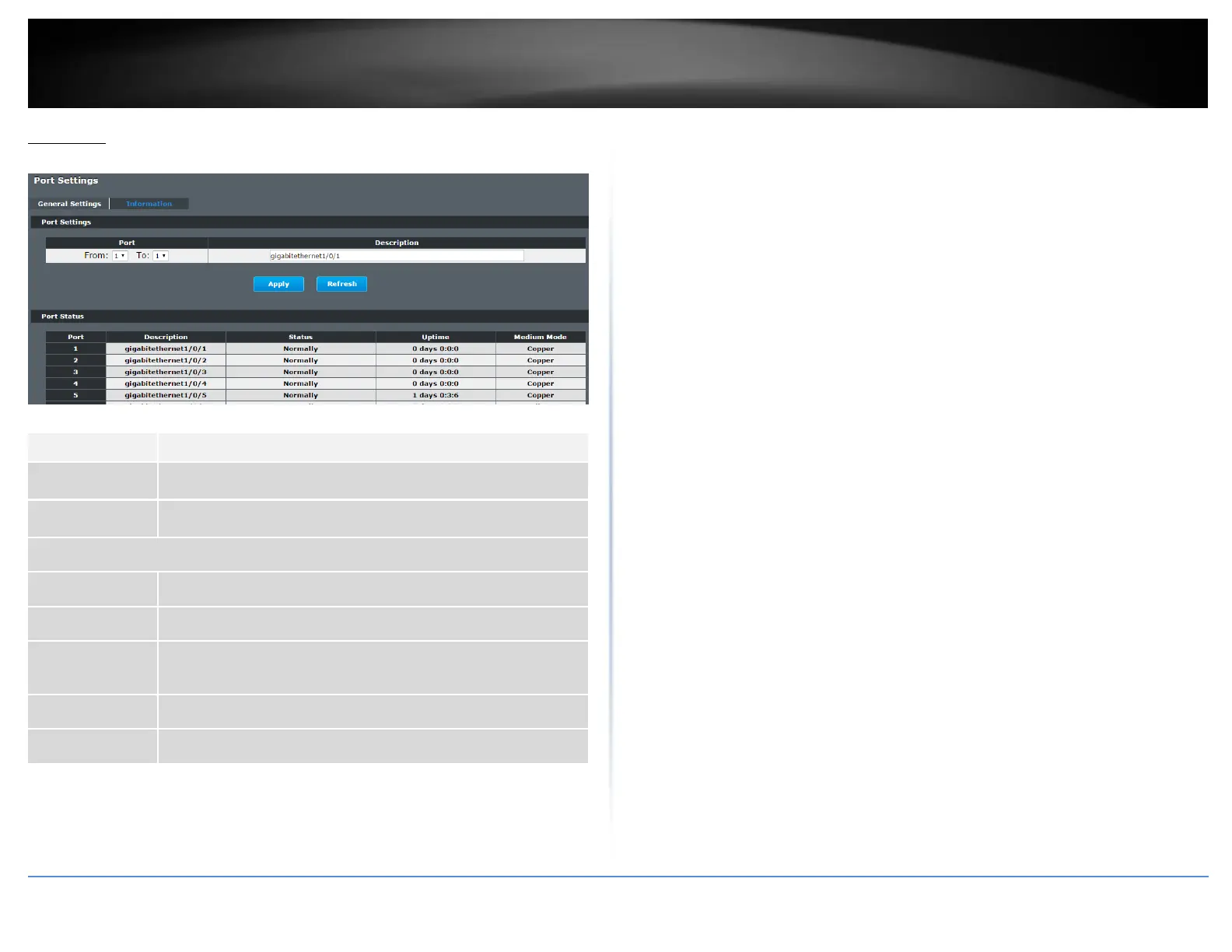
Basic Settings > Port Settings > Information
Select a port or a range ports you want to configure on this screen.
Configures a meaningful name for the port(s).
This field displays the port number.
The meaningful name for the port.
The field displays the detail port status if the port is blocked by
some protocol.
The sustained time from last link up.
The current working medium mode, copper or fiber, for the port.














 To Next Page