© Copyright 2019 TRENDnet. All Rights Reserved.
Industrial Managed Switch Series
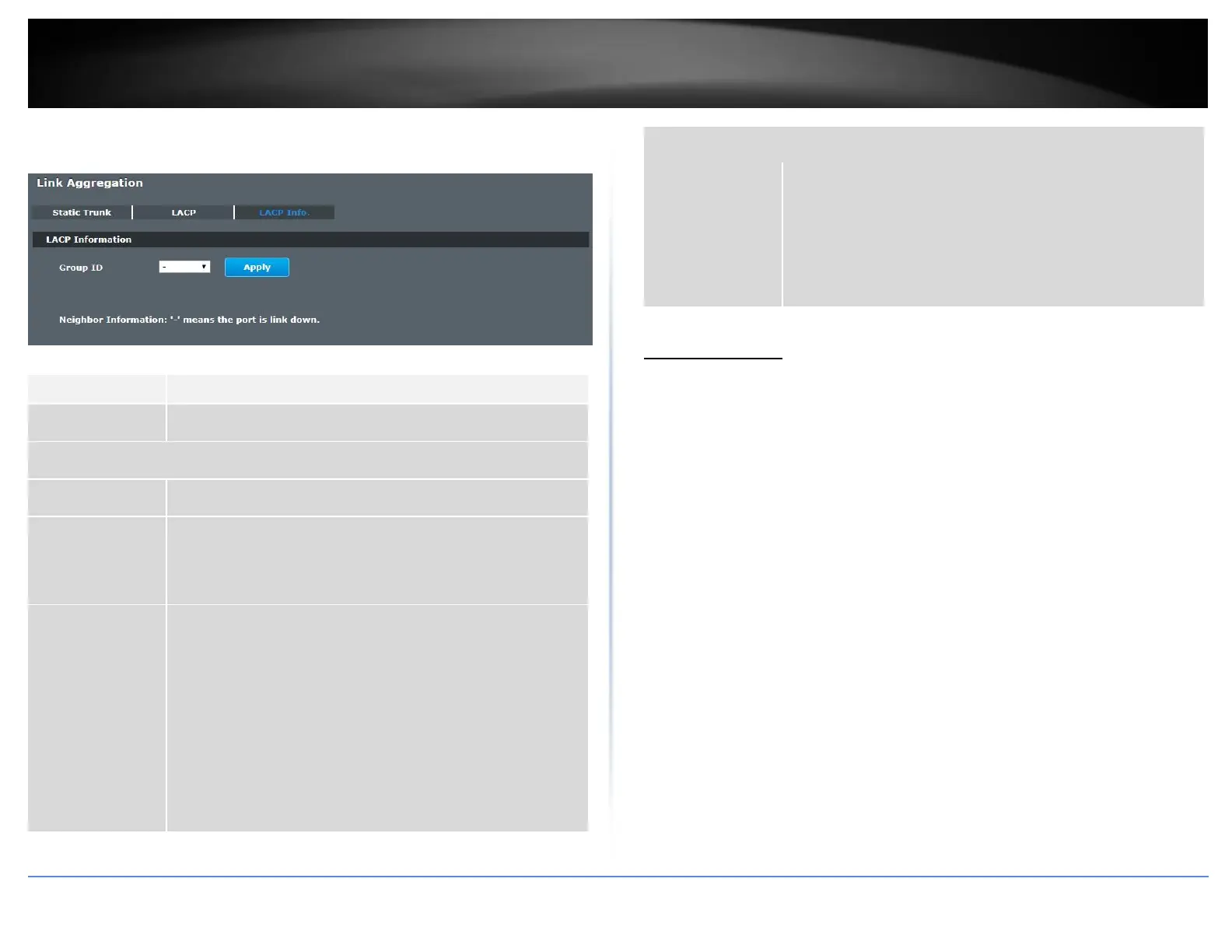
LACP Info.
Advanced Settings > Link Aggregation > LACP Info.
Select a LACP group that you want to view.
LACP system priority is used to determine link aggregation
group (LAG) membership, and to identify this device to other
switches during LAG negotiations. (Range: 0-65535; Default:
32768)
The neighbor Switch’s system ID.
The direct connected port Id of the neighbor Switch.
The available time period of the neighbor Switch LACP
information.
The direct connected port’s state of the neighbor Switch.
The direct connected port’s priority of the neighbor Switch.
The Oper key of the LACP member port.
The port priority of the LACP member port.
The Admin key of the LACP member port.
The Oper key of the LACP member port.
The port state of the LACP member port.
Loop Detection
Loop detection is designed to handle loop problems on the edge of your network. This
can occur when a port is connected to a Switch that is in a loop state. Loop state occurs
as a result of human error. It happens when two ports on a switch are connected with
the same cable. When a switch in loop state sends out broadcast messages the
messages loop back to the switch and are re-broadcast again and again causing a
broadcast storm.
The loop detection function sends probe packets periodically to detect if the port
connect to a network in loop state. The Switch shuts down a port if the Switch detects
that probe packets loop back to the same port of the Switch.
Loop Recovery:
When the loop detection is enabled, the Switch will send one probe packets every two
seconds and then listen this packet. If it receives the packet at the same port, the
Switch will disable this port. After the time period, recovery time, the Switch will
enable this port and do loop detection again.
The Switch generates syslog, internal log messages as well as SNMP traps when it shuts
down a port via the loop detection feature.
Default Settings
The default global Loop-Detection state is disabled.














 To Next Page