© Copyright 2019 TRENDnet. All Rights Reserved.
Industrial Managed Switch Series
Click Apply to take effect the settings.
Click Refresh to begin configuring this screen afresh.
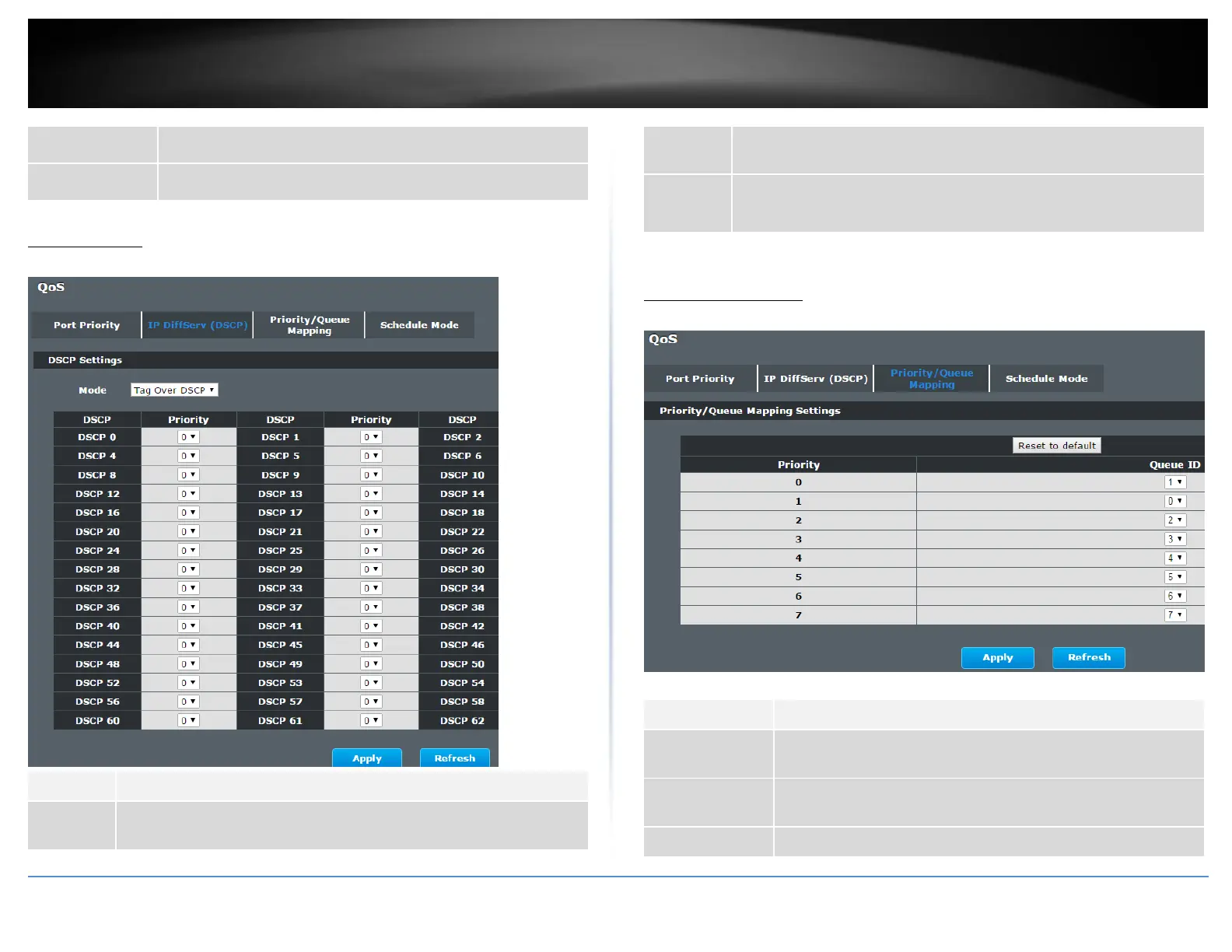
IP DiffServ (DSCP)
Advanced Settings > Bandwidth Control > IP DiffServ (DSCP)
“Tag Over DSCP” or “DSCP Over Tag”. “Tag Over DSCP” means the 802.1p
tag has higher priority than DSCP.
This field displays each priority level. The values range from 0 (lowest
priority) to 7 (highest priority).
Click Apply to take effect the settings.
Click Refresh to begin configuring this screen afresh.
Priority/Queue Mapping
Advanced Settings > Bandwidth Control > Priority/Queue Mapping
Click this button to reset the priority to queue mappings to the
defaults.
This field displays each priority level. The values range from 0
(lowest priority) to 7 (highest priority).
Select the number of a queue for packets with the priority level.














 To Next Page