© Copyright 2019 TRENDnet. All Rights Reserved.
Industrial Managed Switch Series
This field displays a sequential number for each binding. Click it
to update an existing entry.
This field displays the source MAC address in the binding.
This field displays the IP address assigned to the MAC address in
the binding.
This field displays how long the binding is valid.
This field displays the source VLAN ID in the binding.
This field displays the port number in the binding.
This field displays how the Switch learned the binding.
Static: This binding was learned from information provided
manually by an administrator.
Dynamic: This binding was learned by snooping DHCP packets.
Click Delete to remove the specified entry.
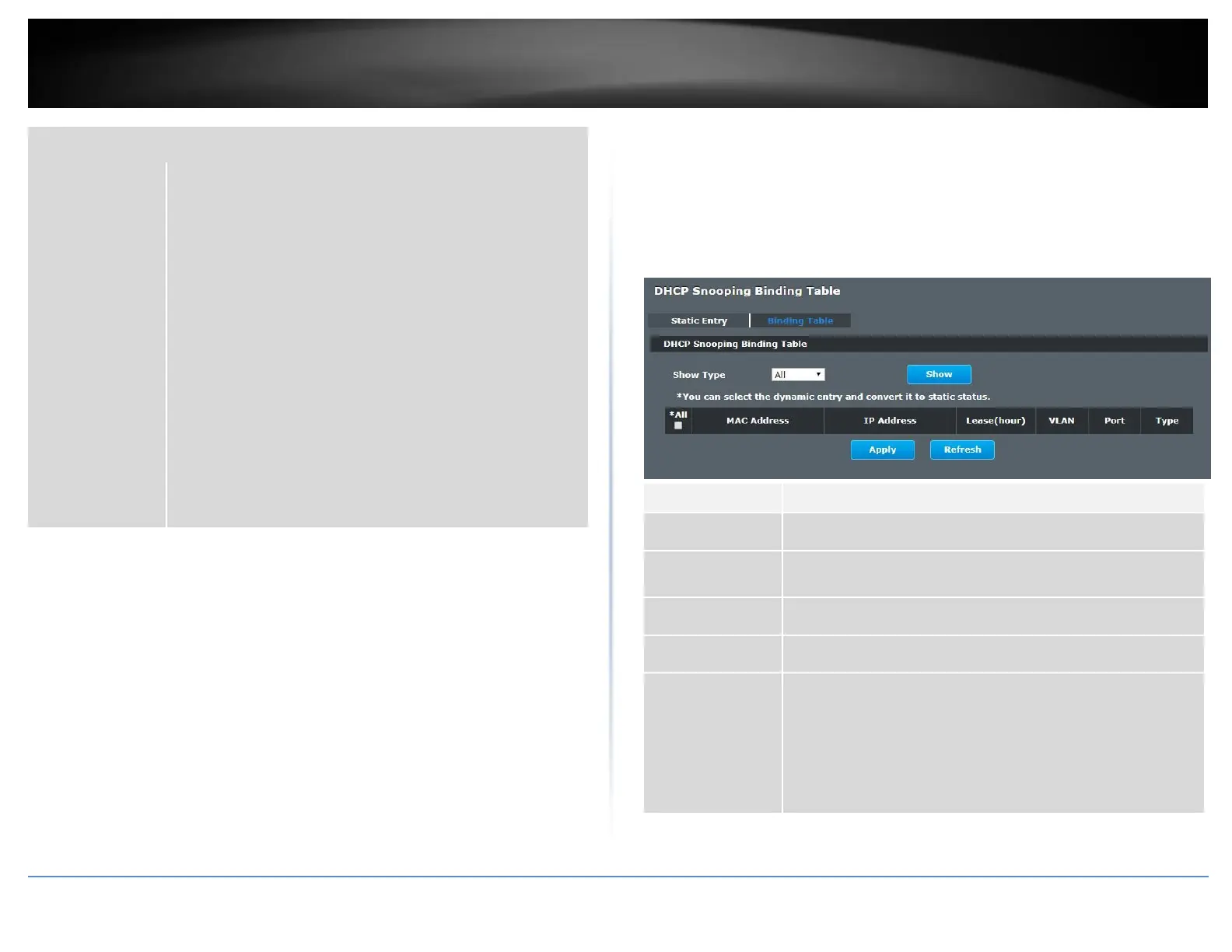
Binding Table
Security > IP Source Guard > Binding Table > Binding Table
Bindings are used by DHCP snooping and ARP inspection to distinguish between
authorized and unauthorized packets in the network. The Switch learns the dynamic
bindings by snooping DHCP packets and from information provided manually in the
Static Entry Settings screen.
This field displays the source MAC address in the binding.
This field displays the IP address assigned to the MAC address in
the binding.
This field displays how long the binding is valid.
This field displays the source VLAN ID in the binding.
This field displays the port number in the binding. If this field is
blank, the binding applies to all ports.
This field displays how the Switch learned the binding.
Static: This binding was learned from information provided
manually by an administrator.
Dynamic: This binding was learned by snooping DHCP packets.














 To Next Page