7
EN
2.2 Entering the DVB System and Power On/Off
After power on, the system will enter the DVB mode. If there is no program data in the database, the following message will appear:
Otherwise, the last program being played before the previous power off will be played. If the system fails to play the progra
power connection and antenna connection.
• Power on
Power onPower on
Power on
When the machine is in Standby mode, press POWER
POWERPOWER
POWER key to turn it on.
• Power off
Power offPower off
Power off
When the machine is running, pressing POWER
POWERPOWER
POWER key at any time can make it into the Standby mode.
2.3 Volume Adjustment and Mute Control
• Volume Adjustment
Volume AdjustmentVolume Adjustment
Volume Adjustment
While in playing state without menu display, press V+/
V+/V+/
V+/-
--
- keys to adjust the volume. A volume bar will appear, which has 0~100 levels.
• Mute Control
Mute ControlMute Control
Mute Control
While in playing state without menu display, press MUTE
MUTEMUTE
MUTE key to enter the mute state. Pressing MUTE
MUTEMUTE
MUTE key again can exit the mute
state.
2.4 TV/Radio Switching
While in full screen playing state, press TV/R
TV/RTV/R
TV/R key to switch between the TV mode and the Radio mode.
2.5 Channel Switching
The system provides many methods to switch channels. See the descriptions below:
• Method 1:
Method 1: Method 1:
Method 1: While in full screen playing state, press CH+/
CH+/CH+/
CH+/-
--
- keys to play the next or previous TV program channels or radio stations.
• Method 2:
Method 2: Method 2:
Method 2: While in full screen playing state, press OK
OKOK
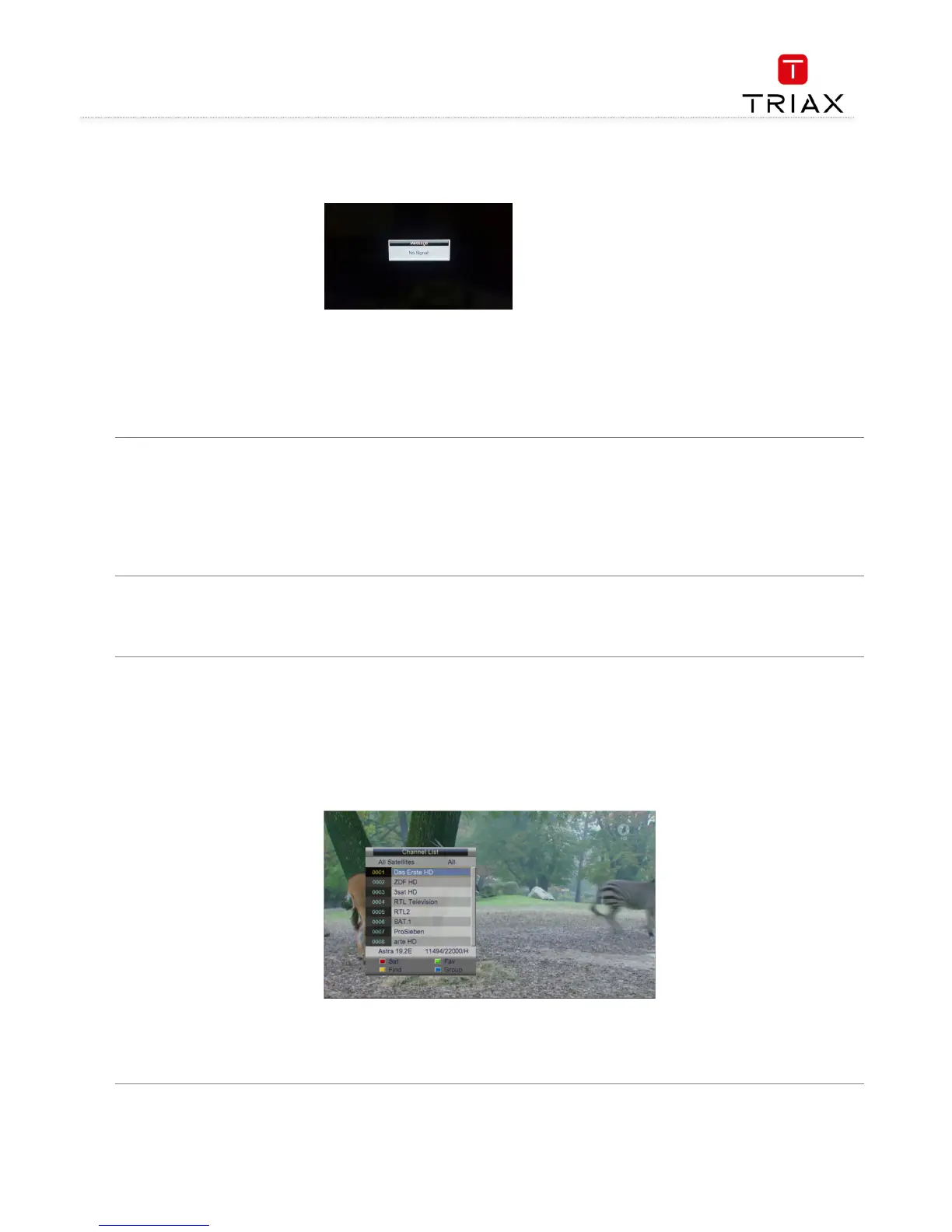
OK key to enter the Channel List menu (see the figure below) to quickly select a
channel you want to play. In which you can press V+/
V+/V+/
V+/-
--
- keys to select a channel group and then press CH+/
CH+/CH+/
CH+/-
--
- keys to choose a desired
channel.
key to confirm your selection and switch to the selected channel to play. Pressing
• Method 3:
Method 3: Method 3:
Method 3: Press number keys to input the number of the channel you want to play (TV: 0~674; Radio: 0~228).
• Method 4:
Method 4: Method 4:
Method 4: Press the red function key
red function keyred function key
red function key to select another satellite to play, see the figure below on next page:



 To Next Page