9
EN
2.6 Program info display
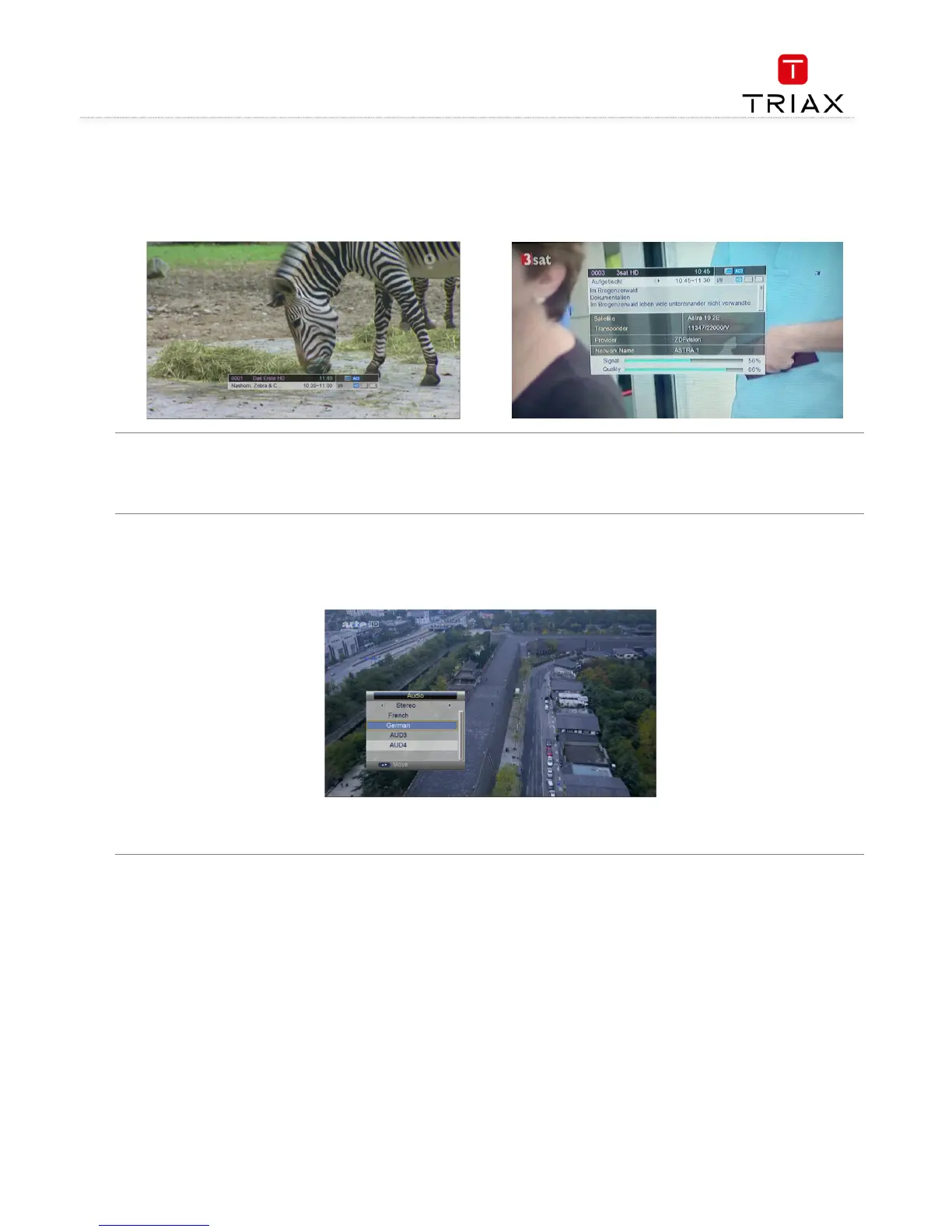
While in full screen playing state, press INFO
INFOINFO
INFO key to show the brief information of the being played program. See left figure.
Press INFO
INFOINFO
INFO key again, and the detailed information of the program can be found. See right figure.
2.7 Program BACK (Back to the previous channel)
While in full screen playing state, press BACK
BACKBACK
BACK key to return to the previously played TV program channel or radio station.
2.8 Program Language and Left/Right Channels Switching
While in full screen playing state, press AUDIO
AUDIOAUDIO
AUDIO key to call out the following menu to change the audio language and sound channels.
•
• Press V+/- keys to change sound channels among Left, Right and Stereo; press CH+/- keys to choose audio language.
• Press OK key to confirm the setting and return to the program playing state.



 To Next Page