• In the Edit Channel menu, select "Delete All", press "OK" button. You are asked to input a
password(the default password is"0000").
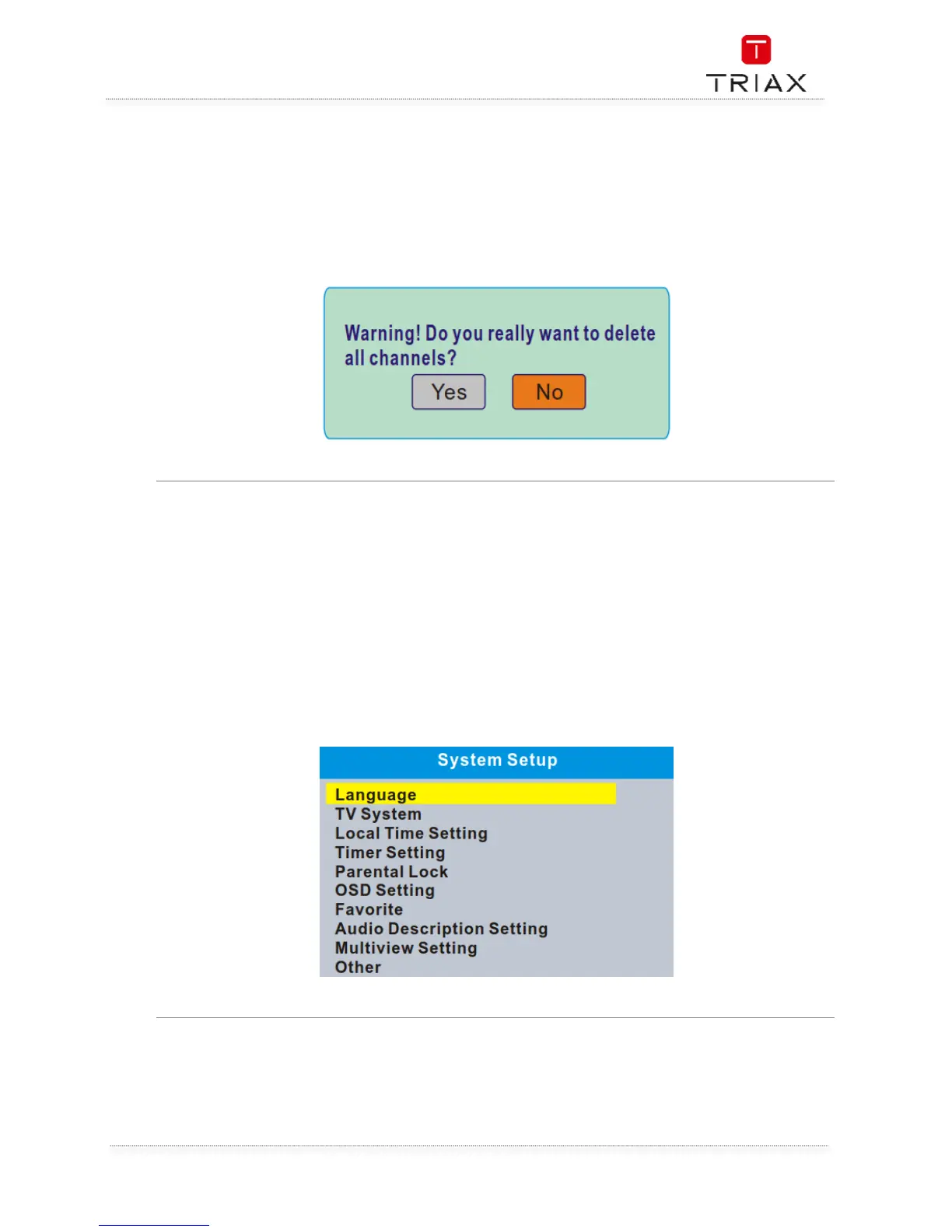
• A warning window appears.
Select "Yes", press "OK" button to delete all channels.
Select "No", Press "OK" button to cancel deleting.
6. SYSTEM SETUP
Many aspects of your STB can be set to reflect your circumstances and preference.
• Press the "MENU" button to enter the main menu.
• Press "UP" or "DOWN" button to highlight "System Setup", press "RIGHT" button to enter the
System Setup menu.
• Press "UP" or "DOWN" cursor button to highlight the desired item and press "OK" button to
enter the sub-menu.
• Press "EXIT" button to exit.



 To Next Page