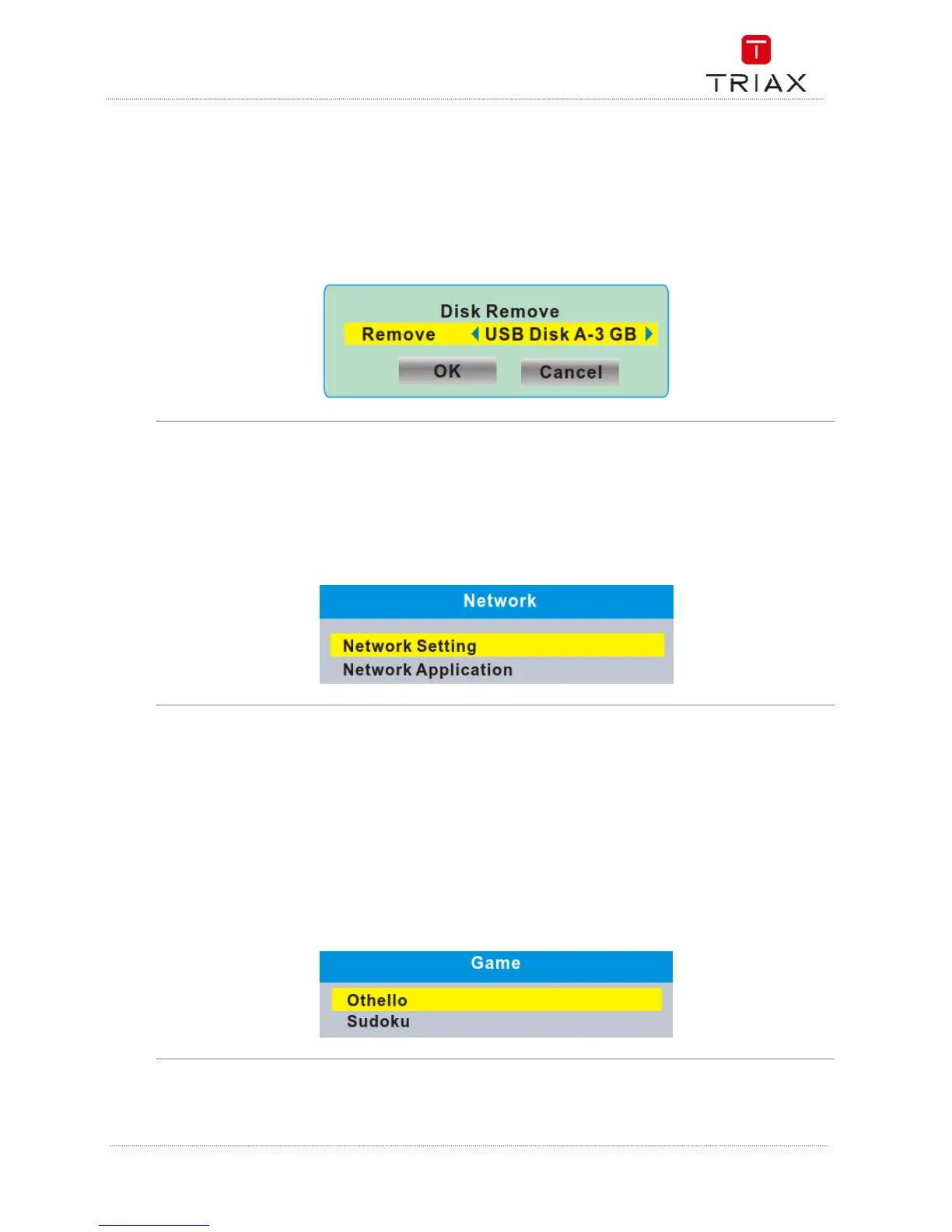
This menu allows you to remove the external USB device safely.
• In "Tools" menu, select "Remove USB device safely",
• Press "OK" button to confirm. Then a window is displayed.
Select "OK" button to remove the USB device.
Select "Cancel" button to cancel the operation.
This menu allows you to set the network options, watch the weather forecast and listen to the Net
Radio.
Network Setting: Net choose (Select the way of online) Settings (Set up network parameters)
Network
Application:
Radio Channel
Weather Channel
8. Game
This menu allows you to play games.
• Press the "MENU" button to enter main menu.
• Press "UP" or "DOWN" button to highlight "Games", press "RIGHT" button to enter the
Games menu.
• Press "UP" or "DOWN" cursor button to highlight the desired item and press "OK" button to
enter the game.
• Press "EXIT" button to exit "Games" menu.


 To Next Page