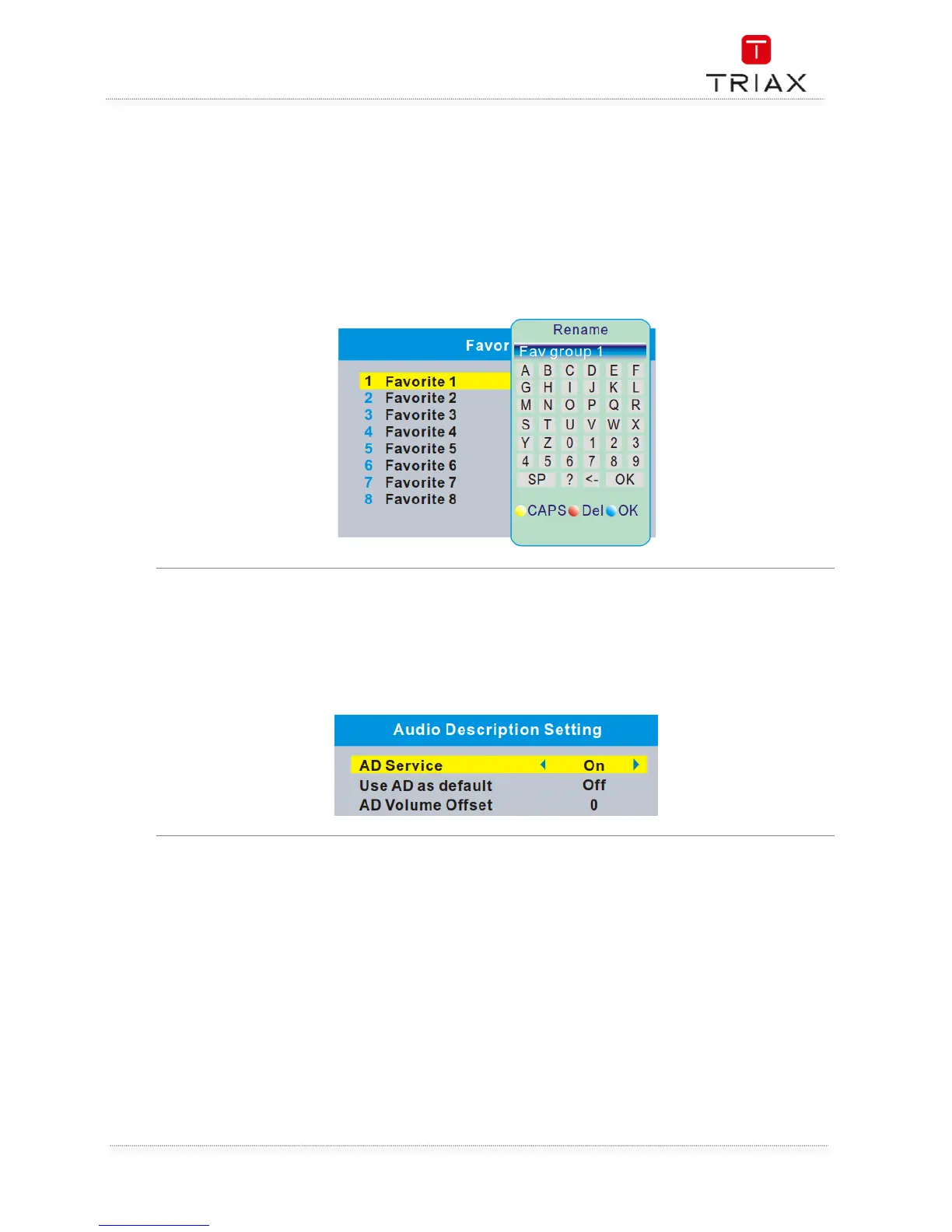
This menu allows you to rename the favorite group.
• In "System Setup" menu, select "Favorite", press "OK" button to enter Favorite menu.
• Select the favourite group you want to change, press "OK" button to open the mock
keypad.Input letter and numeric one by one by pressing the cursor buttons and press "OK"
button to select, after
• finished input, press "Blue" button,you changed Favorite group name successfully.
• Press "EXIT" button to quit the group rename menu.



 To Next Page