Triggertrap Mobile App Manual | Page 10
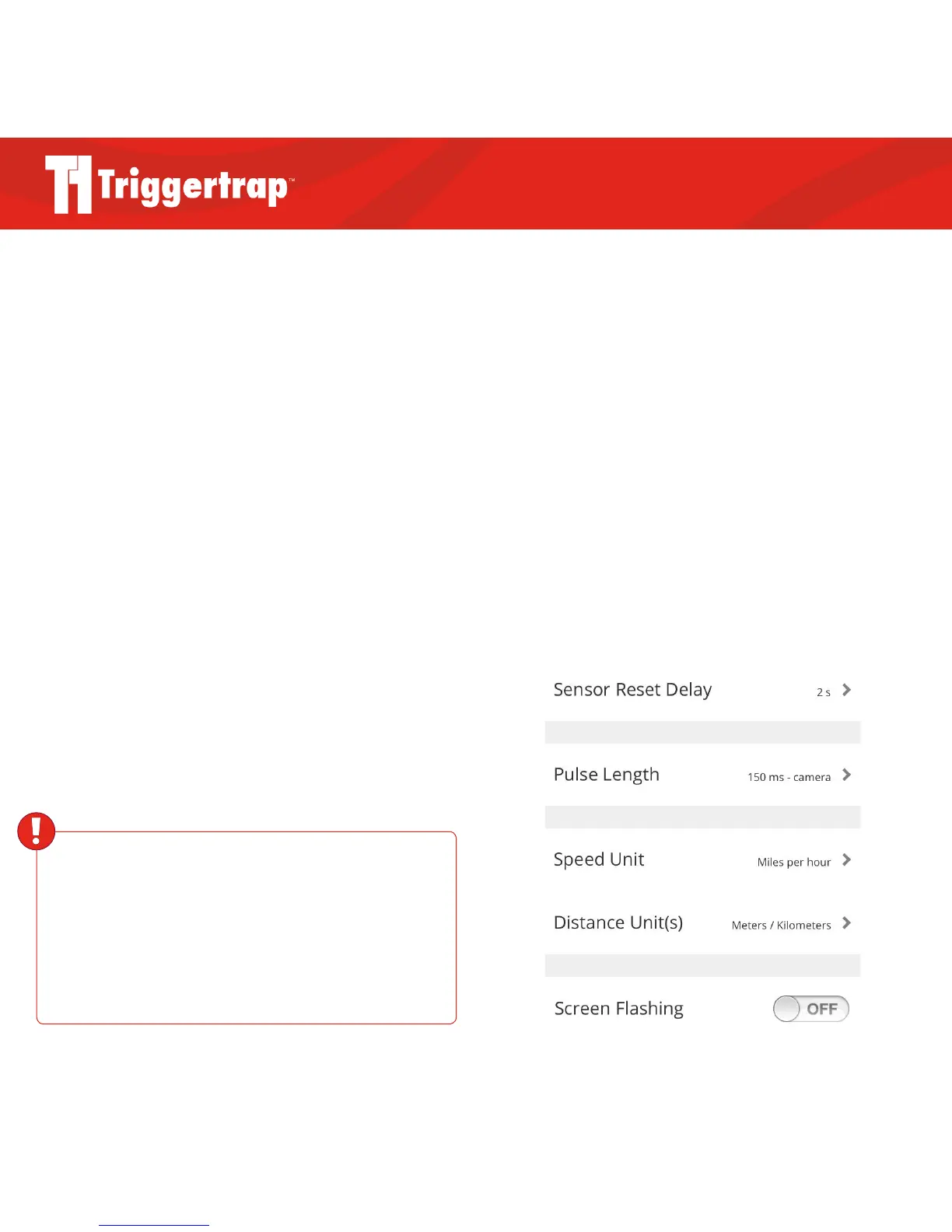
Sensor Reset Delay
The sensor reset delay controls how quickly you want your
sensor to reset before taking another photograph. For
example, if you were using the Peekaboo (facial
recognition) sensor and did not want it to constantly take
photographs of people for as long as their faces were in the
frame, you could set a five second delay in order to give
them the time to move before the camera is triggered again.
Pulse Length
The Pulse Length is the duration Triggertrap Mobile sends
a signal to your camera. The default length is 150
milliseconds, which is long enough for your camera to
trigger, but short enough that your camera will usually not
trigger twice.
However, you may wish to decrease this if you are
triggering flashes (they generally only need 3-4ms pulses to
set o a flash), or you may wish to increase it if you’re using
one of the channels to focus your camera.
Speed Unit and Distance Unit(s)
Choose your preferred units of measurement.
Screen Flashing
Great for situations where it is more diicult to see when
the app is being triggered, this option will make your screen
flash on every trigger.
Screen Dimming
Although Screen Dimming may sound like an
inconvenience, a dimmer screen will burn through battery
power slower. Remember to follow the instructions in the
following notification before leaving the app.
WARNING
Triggertrap Mobile Dongle can be used to trigger external
flashes, but is only designed to trigger modern flashes, with
moderate power output. If you connect a studio strobe, a de-
fective flash, or a flash that is more than a few years old to your
Triggertrap Mobile Dongle, it could damage your iOS device.



 To Next Page