Triggertrap Mobile App Manual | Page 8
Using the Internal Camera
To use the internal camera, you need to ensure it is
activated. Any mode that supports the internal camera will
have the internal camera option in the top right corner of
the screen.
To activate the internal camera, go into any triggering mode,
and tap the internal camera icon. The app should then tell
you ‘Internal Camera Enabled’. Now, whenever the camera
triggers, it will take a photo using the internal camera, and
save it to your camera roll.
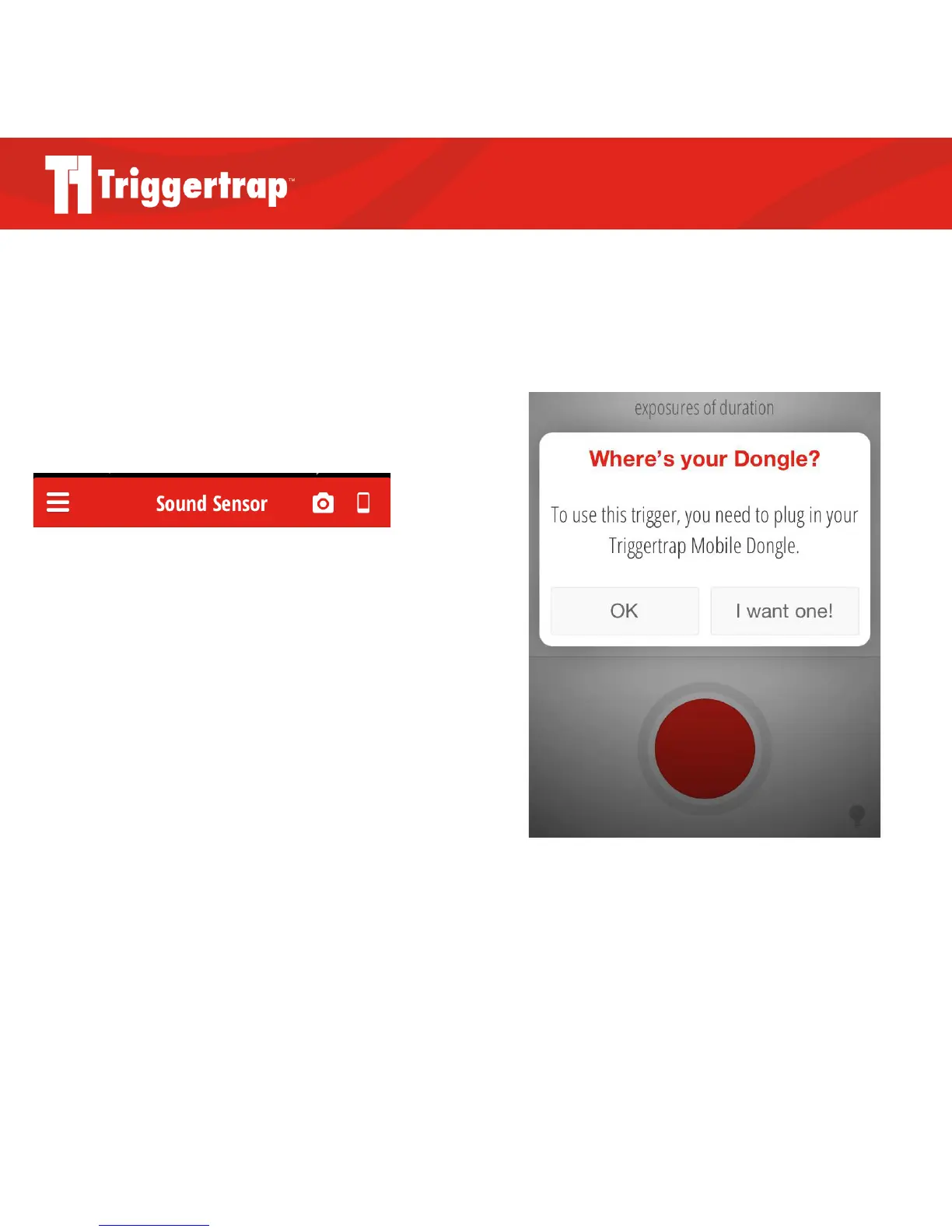
In modes where the internal camera is not available, you will
be asked to connect your Mobile Dongle when trying to take
a photo (see screenshot to the right).
The internal camera icon is shaped like a smartphone and
located on the far right



 To Next Page