Triggertrap Mobile App Manual | Page 15
Vibration Sensor
This is the bump and vibration sensor. The Vibration
sensor uses the accelerometer built into your iOS device
to trigger your camera – place your device on a table and
bump the table to see it in action! Use the slider to select
the sensitivity of the Vibration sensor.
Press the button to start listening for sounds. The inner ring
controls the threshold and the outer ring shows the
vibration level. You can slide the inner ring to change
the threshold level. When the vibration level passes the
threshold position your camera will take a photo.
Motion Sensor
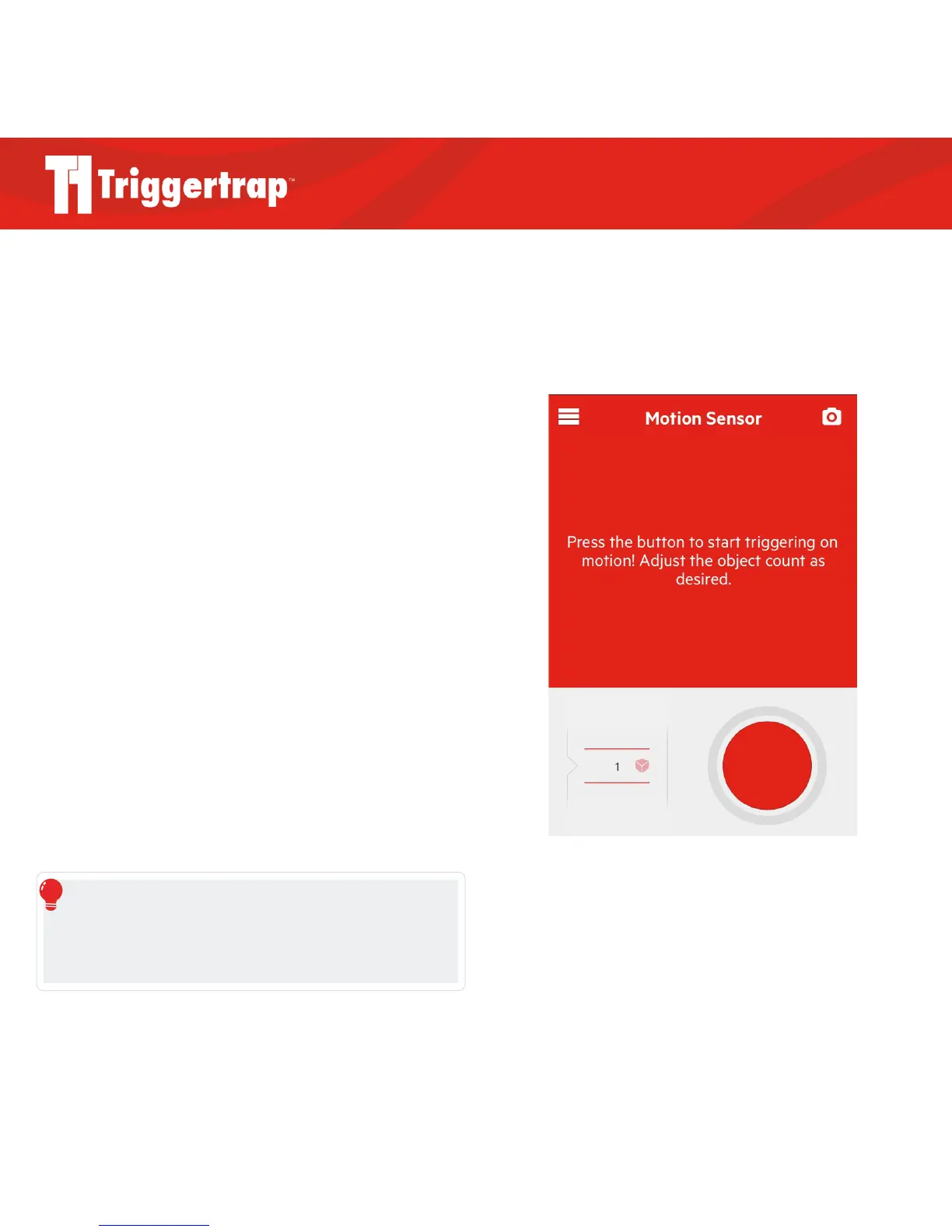
The Motion Sensor uses your iOS device’s internal
camera to trigger on movement. Use the slider to select the
number of moving objects you would like to trigger your
camera, and press the big red button to start! If your device
has both a front and back camera, you can switch between
them using the camera rotation icon at the bottom right of
the camera screen.
Unlike the other sensor modes, Motion Sensor cannot be
used with your internal camera.
REMEMBER
Please allow a few seconds for Motion Sensor to work out what is
background and what is an object. During this time it may trigger
even if there is no movement.



 To Next Page