Triggertrap Mobile App Manual | Page 18
What does ‘Long Exposure’ mean?
You can use the HDR mode for shutter speeds down to 0.2
seconds (that’s 1/16th of a second), but due to the error
margins incurred in relation to shutter lag etc, you may find
that the HDR mode works best for longer-exposure HDR
sets, with exposure times ranging from one second and
beyond.
To use the HDR mode, you need to select the aperture on
your camera manually, along with the ‘Bulb’ shutter speed.
Then choose the ‘correct’ exposure on Triggertrap Mobile
as the Middle exposure. Next, choose the number of
photos you want in your HDR set, and the number of EV
steps between each shot.
For LE HDR mode, you will need to set the middle exposure
for your set of photos, which should be roughly the normal
exposure for a single photo, the number of exposures in the
photo set and the EV step between each photo in the set.
LE HDR Timelapse
In the LE HDR Timelapse mode, you can take High
Dynamic Range sets at certain intervals.
You love HDR photography, but you also want to play with
timelapses? You’re in luck, that’s exactly what our LE HDR
Timelapse mode does.
To use the HDR mode, you need to select the aperture on
your camera manually, along with the ‘Bulb’ shutter speed.
Then choose the ‘correct’ exposure on Triggertrap Mobile
as the Middle exposure. Next, choose the interval between
the photo sets, and the number of EV steps between each
shot.
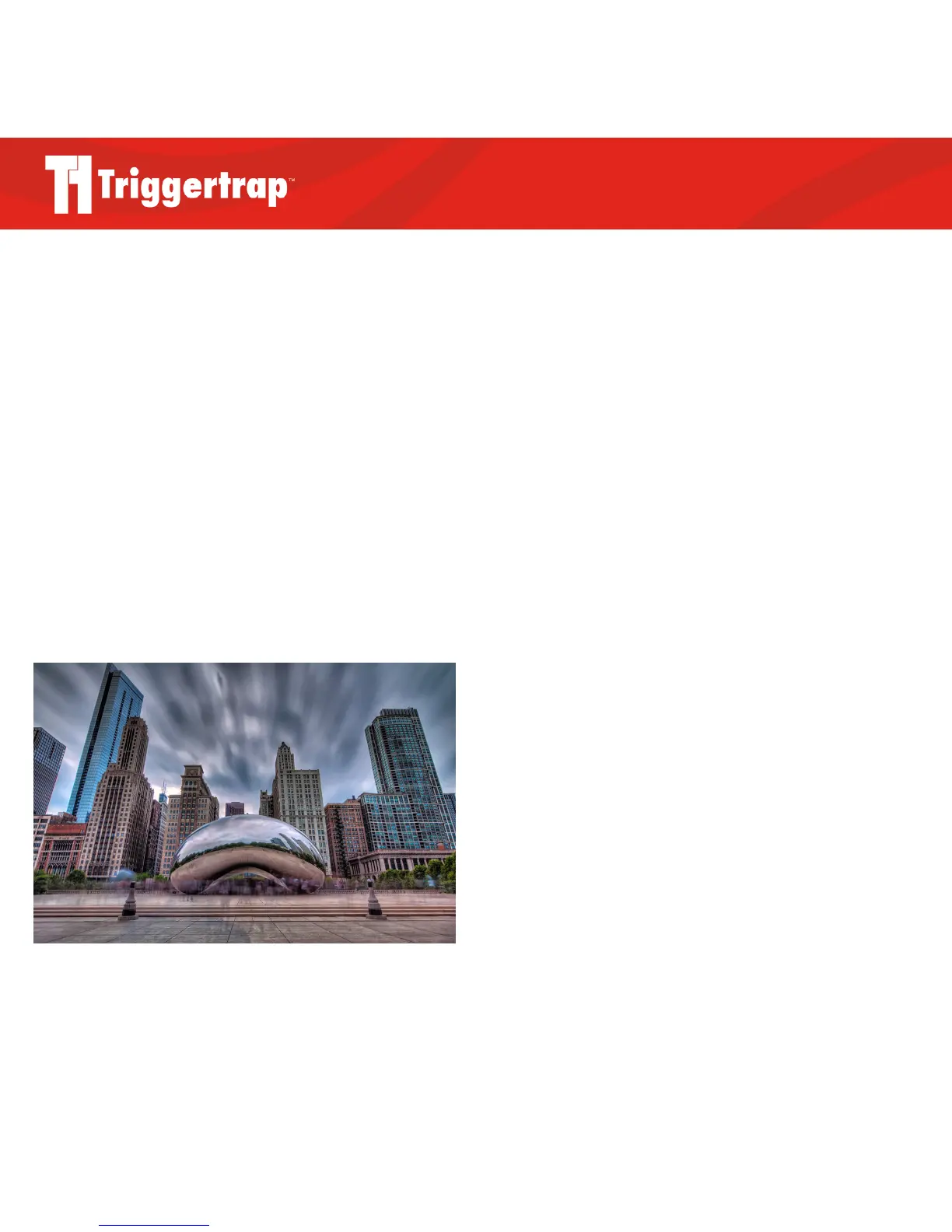
LE HDR photo by Milosh Kosanovich



 To Next Page