Triggertrap Mobile App Manual | Page 11
Cable Release Modes
Cable Release is the simplest mode to trigger your camera
– press the button to take a photo! There are four dier-
ent modes: One ‘regular’ trigger, and three long-exposure
modes.
Simple Cable Release
Simple Cable Release is your standard remote control. Press
the button to take a photo!
Press and Hold
Press and hold the shutter button to take a long exposure.
When you release the shutter button, the exposure ends.
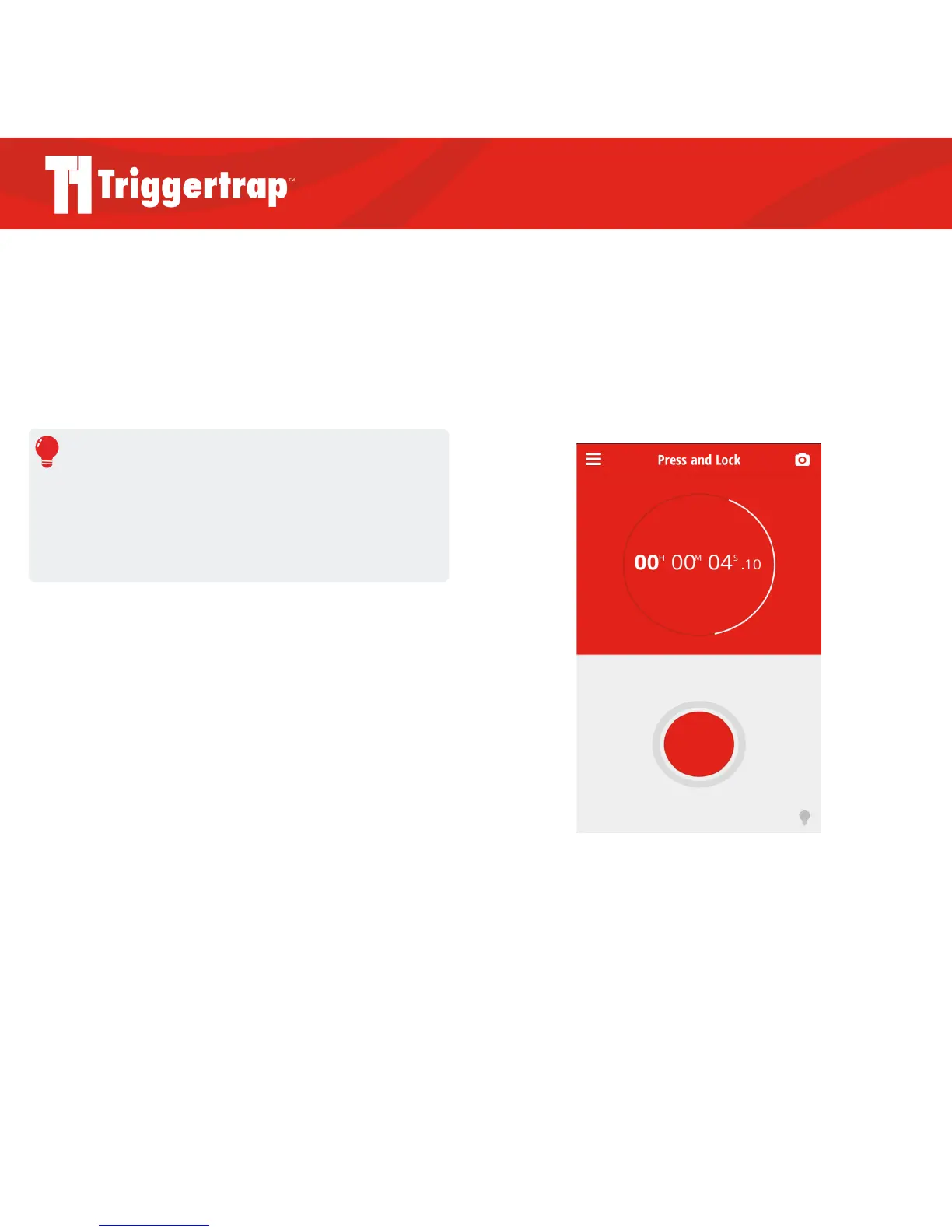
Press and Lock
Press the shutter button to take a long exposure. Press the
shutter button again to end the exposure.
Timed Release
Tap on the time input bar and use the keyboard to choose
the length of your exposure. Press the shutter button on the
Triggertrap Mobile app then sit back and relax!
REMEMBER
To use the long exposure modes, you need a Triggertrap Mobile
Dongle, and your camera needs to be set to Bulb mode. Please
see page 20 for more information about setting your camera to
Bulb.
Press and Lock mode



 To Next Page