Triggertrap Mobile App Manual | Page 5
What is the Triggertrap Mobile Dongle?
Triggertrap Mobile can be used with the camera built into
your iOS device. However, for the full Triggertrap
experience, it’s best to connect Triggertrap Mobile to a
compatible camera.
To connect your SLR or advanced compact camera to
Triggertrap Mobile, you need a piece of hardware, known
as the Triggertrap Mobile Dongle, and a camera
connection cable.
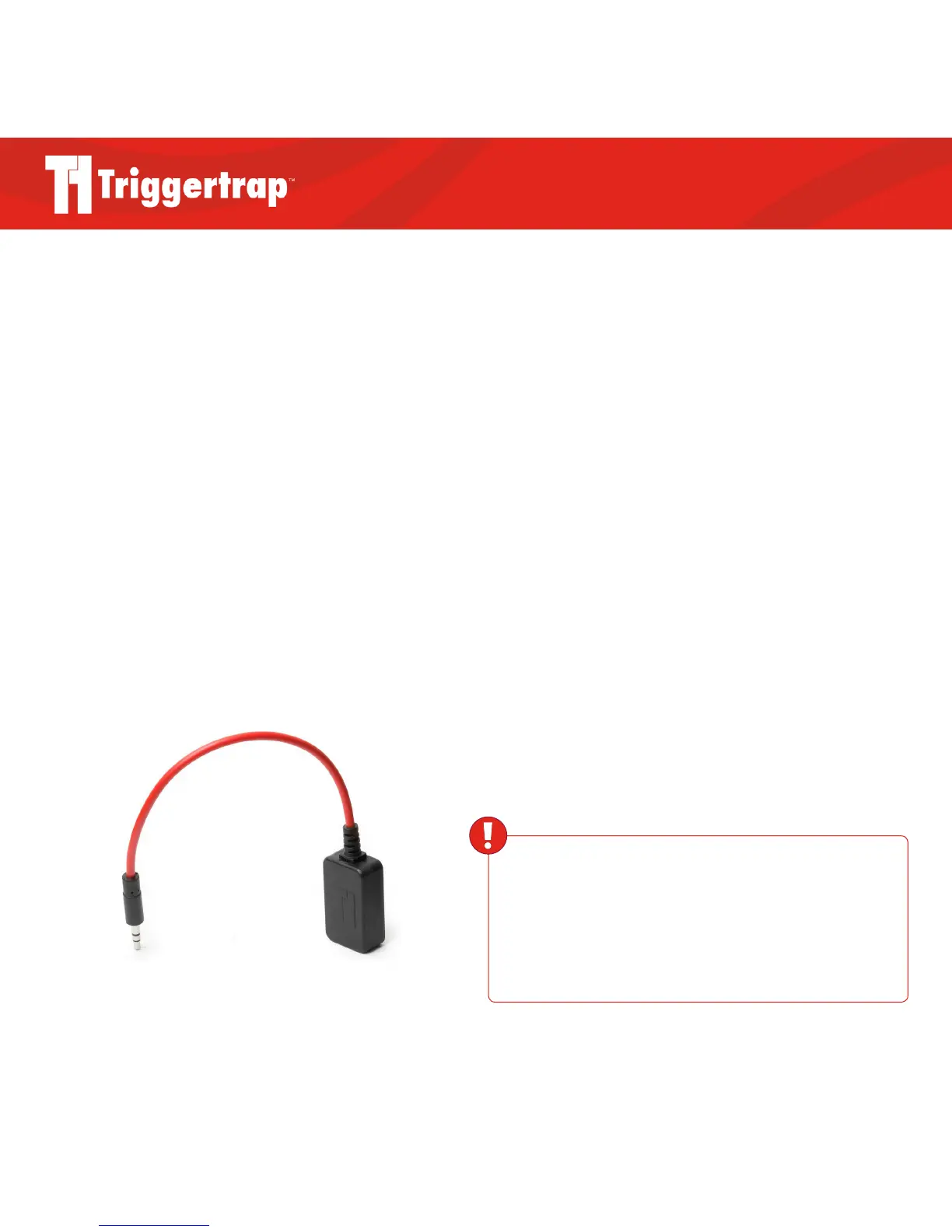
The Triggertrap Mobile Dongle is an inexpensive
converter that plugs into the headphone socket on your
iOS device.
Why do I need a camera connection cable?!
The Triggertrap Mobile Dongle is the same for all iOS
devices, but camera manufacturers have not settled on a
single standard for the remote control socket on cameras.
In fact, we sell nine dierent camera connection cables.
The camera connection cable plugs into the 2.5mm socket
on the Triggertrap Mobile Dongle, and into the camera’s
wired remote control socket.
The Triggertrap Mobile Dongle can be purchased on its
own, or as part of a kit, bundled with a camera connection
cable. Whichever option you choose, you will need both a
Triggertrap Mobile Dongle and a camera connection cable,
so please check carefully!
Triggertrap Mobile Dongle
WARNING
Always ensure you use the Triggertrap Mobile Dongle,
and never attempt to connect your camera directly to your iOS
device. Connecting the iOS device and the camera without a
dongle could harm your camera, your iOS device, or both.



 To Next Page