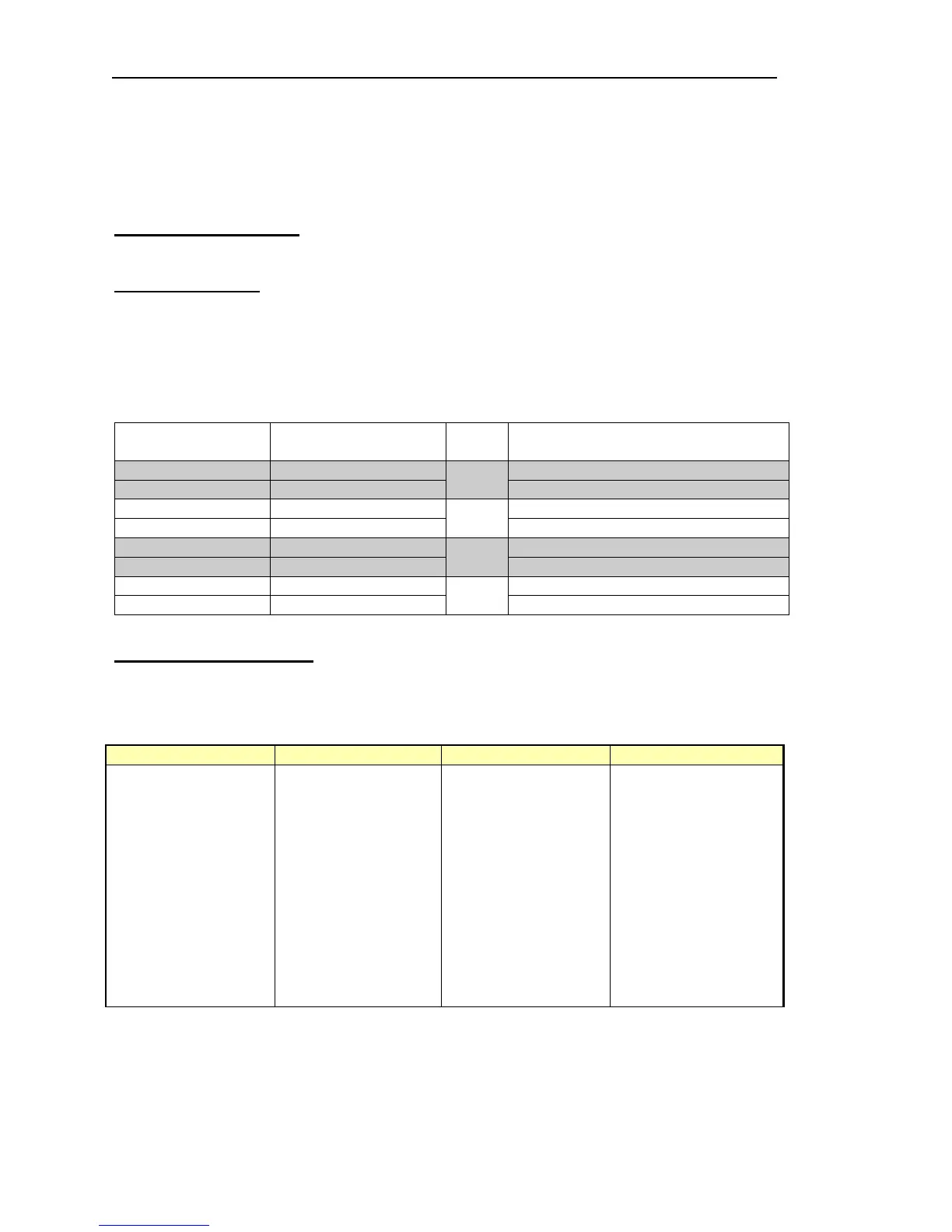
This allows system name and PC Adapter Address to be changed. Changes to the PC card
adapter address will only be required if there is a hardware clash with other PC devices such
as a sound card or CD-ROM. Any changes within PathFinder Lite must be matched by
changes to the adapter card itself.
Make the necessary changes to the System settings, to match hardware and software
parameters. Save the Settings, then close and re-start PathFinder Lite.
3.3 Other Connections
A number of other connections are provided on the rear of the matrix.
3.3.1 Matrix Ports
The same connector pin-out applies to ports used for panels or externals. External (4-wire)
connections will not use the data pairs. Cable is quad twisted 100Ω pair, with overall screen.
Although STP cables are recommended for longer cable runs, UTP cable will be acceptable
for cable runs of <50 metres. See Specification for maximum cable length. We suggest a
CAT 5 type cable, from a recognised supplier such as Beldon.
Connector type: RJ45 chassis socket
Pin Function Notes
1 Matrix Data in + Only applies to ports used for panels
2 Matrix Data in -
Pair 1
Only applies to ports used for panels
3 Matrix Data out + Only applies to ports used for panels
6 Matrix Data out-
Pair 2
Only applies to ports used for panels
5 Matrix Audio in +
4 Matrix Audio in -
Pair 3
7 Matrix Audio out +
8 Matrix Audio out -
Pair 4
3.3.2 Camera Connector
This option provides a mixing pad for up to 6 camera inputs, and a single feed for audio
connection to cameras.
Connector type: 25 way D type fixed socket.
D-25 PIN FUNCTION D-25 PIN FUNCTION
1 SCREEN/CHASSIS
2 FROM CAM 1+ 14 FROM CAM 1-
3 FROM CAM 2+ 15 FROM CAM 2-
4 FROM CAM 3+ 16 FROM CAM 3-
5 FROM CAM 4+ 17 FROM CAM 4-
6 FROM CAM 5+ 18 FROM CAM 5-
7 FROM CAM 6+ 19 FROM CAM 6-
8 TO CAM 1+ 20 TO CAM 1-
9 TO CAM 2+ 21 TO CAM 2-
10 TO CAM 3+ 22 TO CAM 3-
11 TO CAM 4+ 23 TO CAM 4-
12 TO CAM 5+ 24 TO CAM 5-
13 TO CAM 6+ 25 TO CAM 6-


 To Next Page