2. INSTALLATION
2.1 Introduction
Follow the sequence below, step by step, to install the Orator matrix.
Ø Unpack the matrix
Ø Fit the matrix frame into the equipment bay
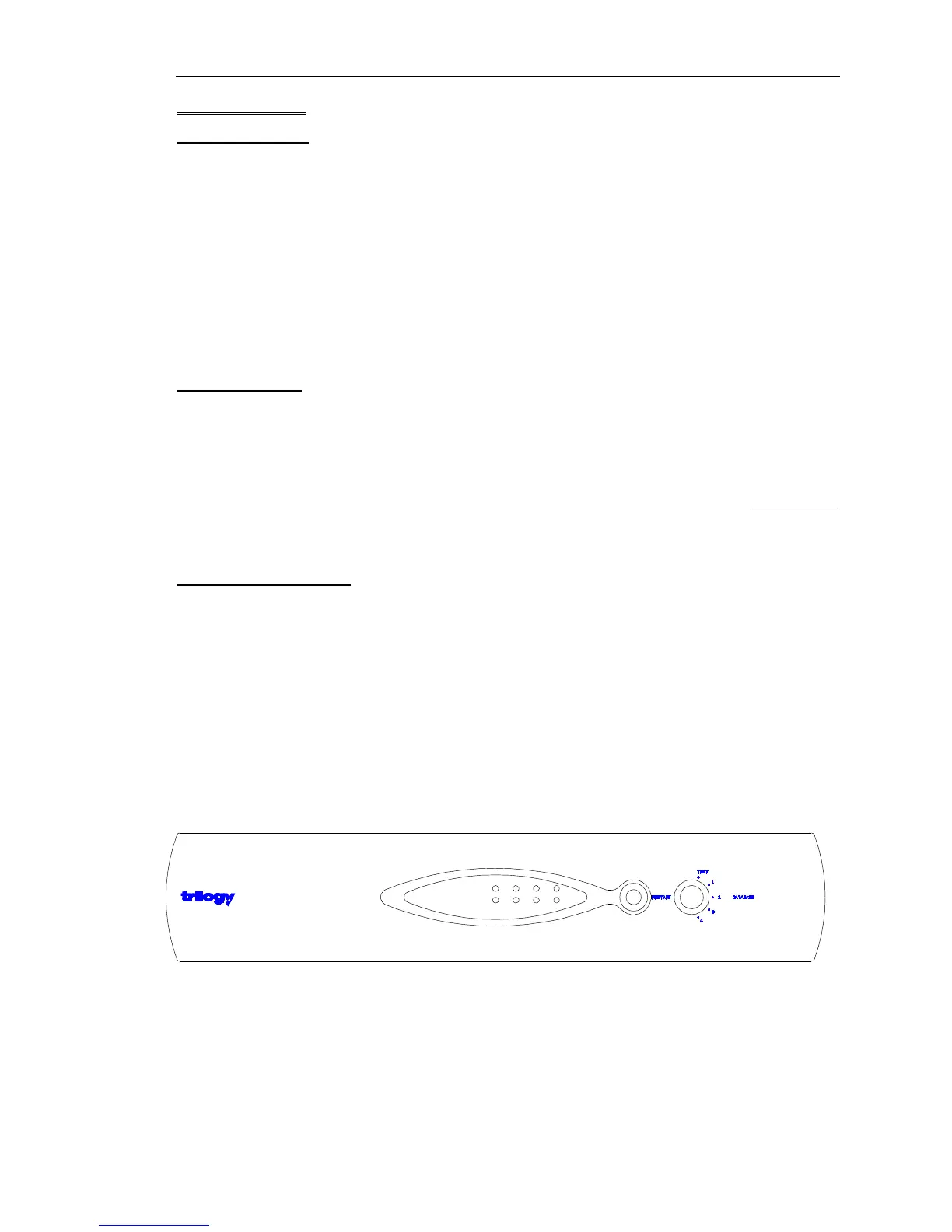
Ø Set the database selector switch on the front panel to “Test”
Ø Apply power to the system and check basic operation.
Ø Connect control panels and check operation with the pre-loaded flash ram configuration.
Ø Set up the configuration PC.
2.2 Unpacking
Carefully unpack the equipment from its transit material and check each item for any signs of
damage.
Check the contents of the boxes against our despatch note and your original order to ensure
that you have received the correct parts.
In the event that the unit has been damaged or does not match your order, immediately
contact Trilogy Broadcast Ltd. at the address given at the front of this guide.
2.3 Rack Mounting
The Orator Matrix occupies 2U of rack space. The depth (excluding mating connectors) is
370mm (15"). Control Panels are standard 425mm (19”) rack-mounting units; most panels
are 2U although a series of 1U panel are available and custom panels may be 3U, 4U or
larger.
It is most likely that a system contractor or Trilogy personnel will install the central matrix.
Suitable care should be taken with cooling and ventilation within the equipment bay.


 To Next Page