This document, including the information contained herein, is proprietary to Triotech Amusement Inc.
10.5 Replacing a speaker
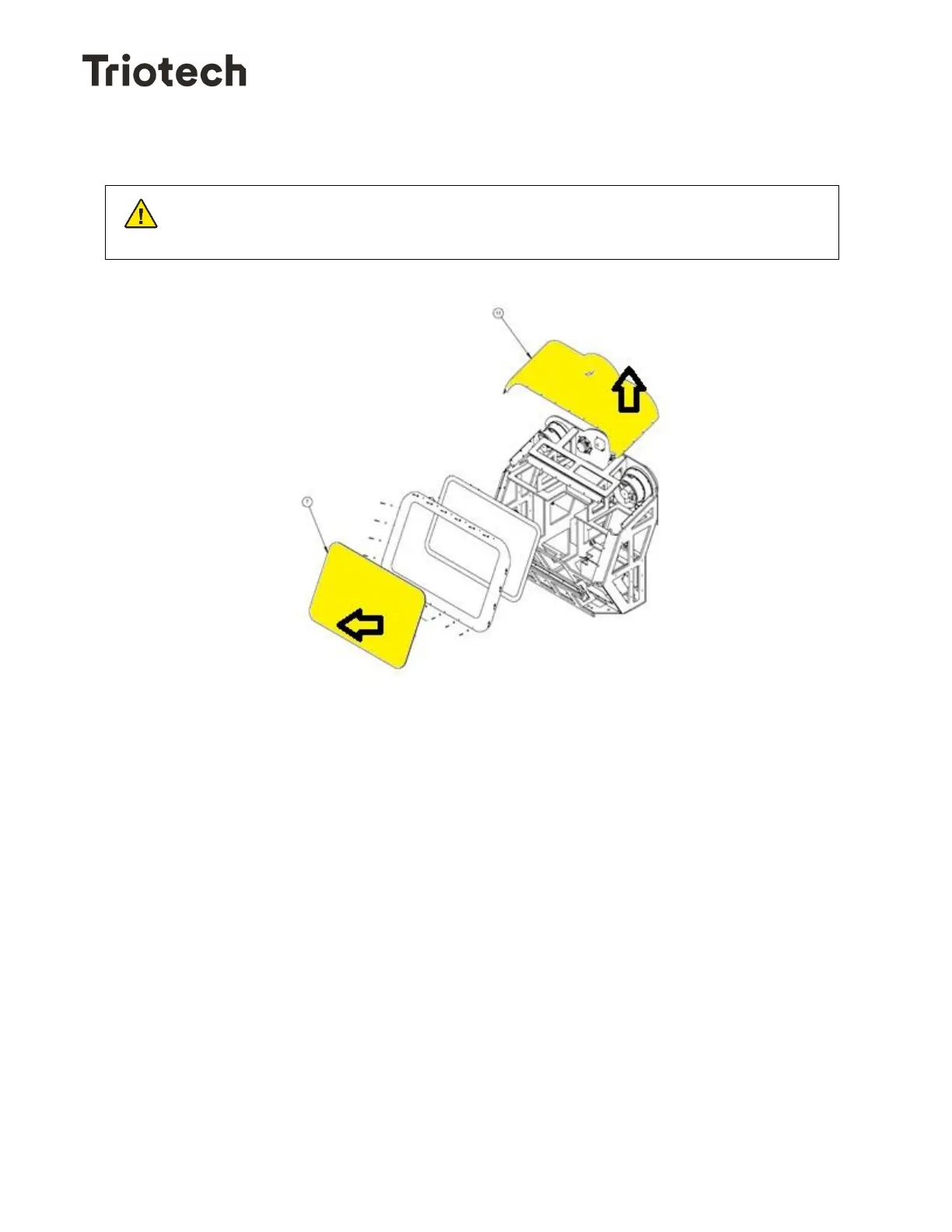
Gain access to the front cabinet by removing the front and top plate of the cabinet.
• Disconnect the speaker cable.
• Remove the screws holding the speaker.
• The speaker can now be removed and replaced.
Before starting any maintenance operation, make sure that the power has
been disconnected for at least 1 minute.


 To Next Page