This document, including the information contained herein, is proprietary to Triotech Amusement Inc.
10.7 Replacing a VR Helmet
To replace the VR Helmet, make sure the Storm is off.
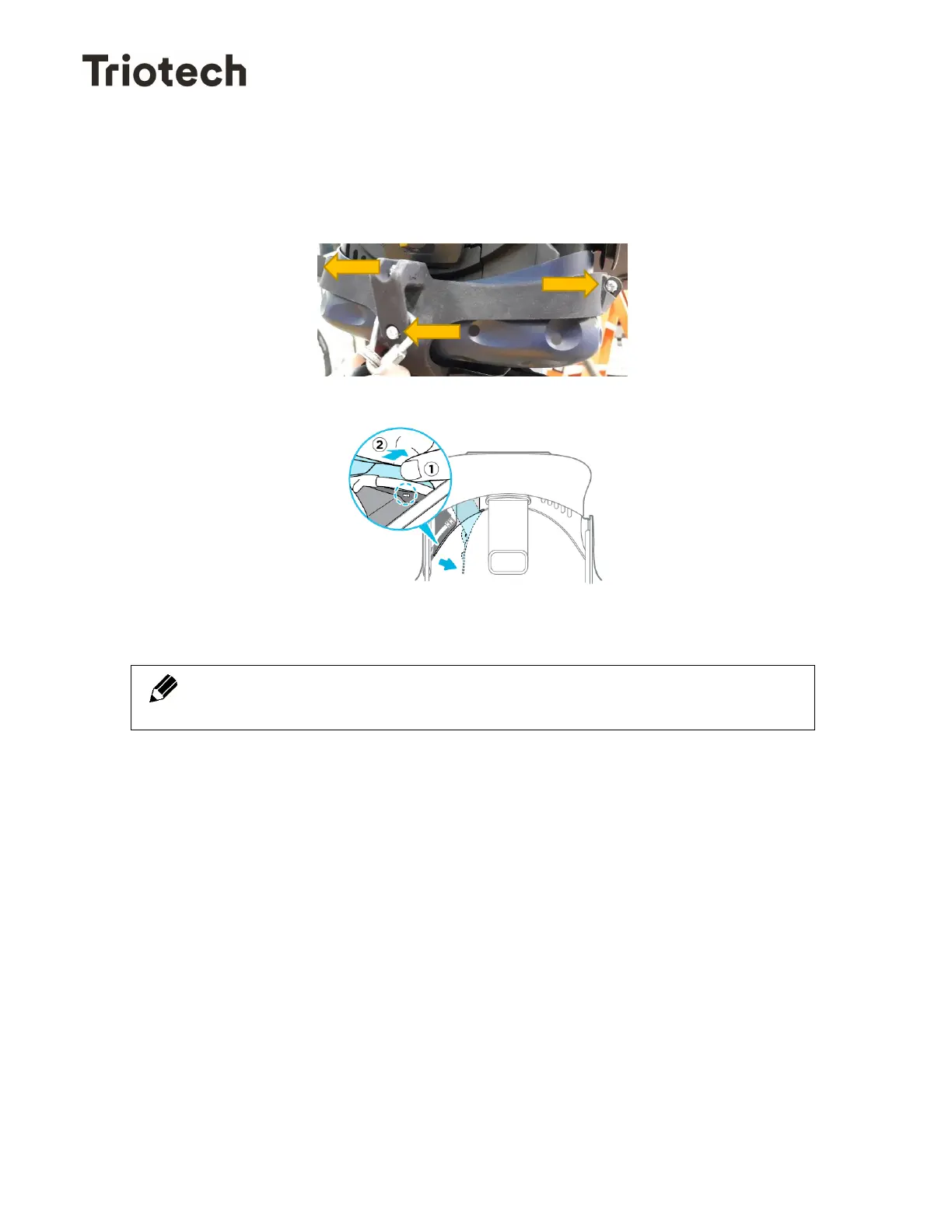
1- Remove the Leap plastic cover over the VR Helmet by removing the 3 screws.
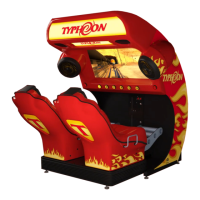
2- Disconnect the VR Helmet from the cable harness.
3- Connect the new VR Helmet and run room configuration.
When replacing a VR Helmet, it is important to pass the cables in the
same manner that the cables are position originally.


 To Next Page