This document, including the information contained herein, is proprietary to Triotech Amusement Inc.
10.6 Replacing a VR Helmet Harness Cable
To replace the VR Helmet harness, make sure the Storm is off.
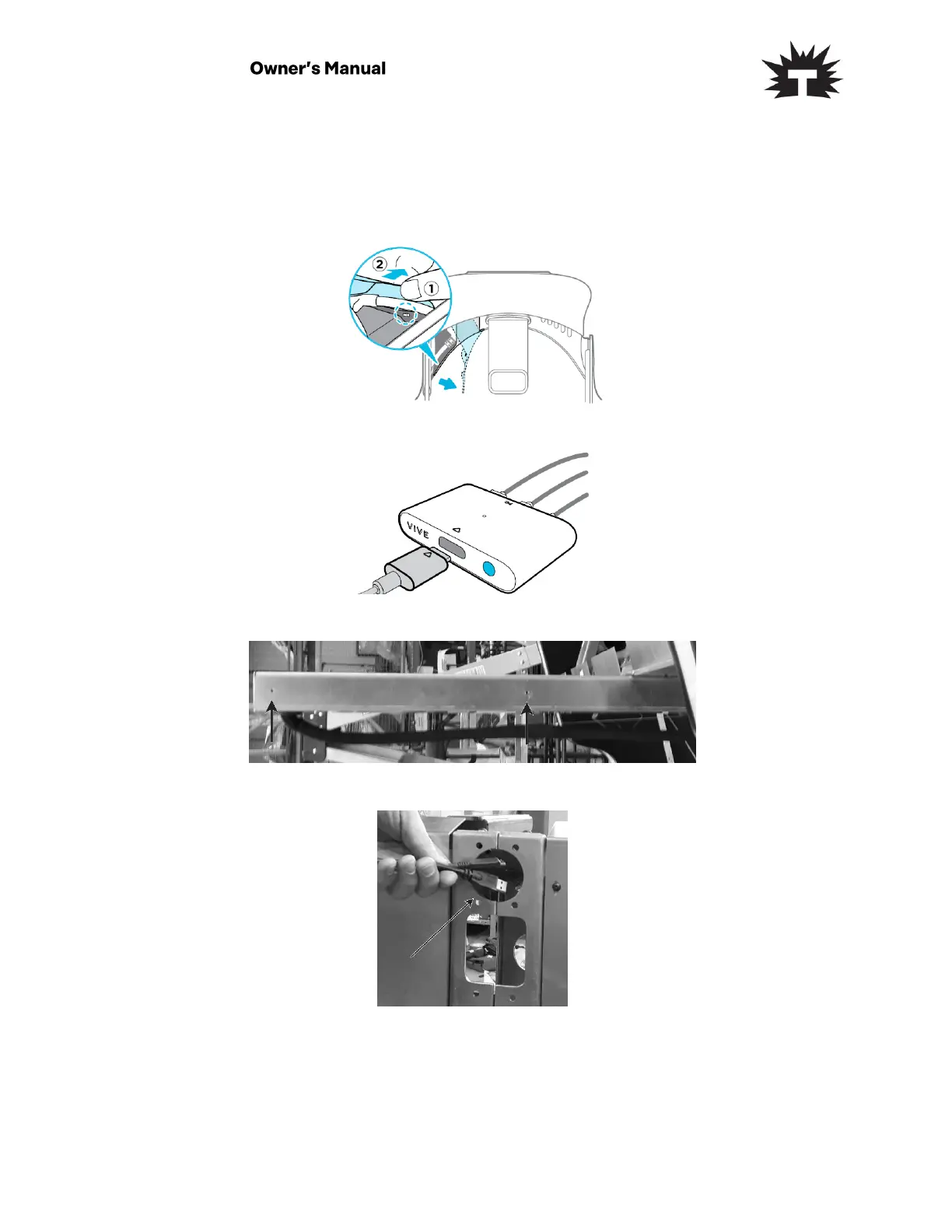
1- Disconnect the VR Helmet from the cable harness.
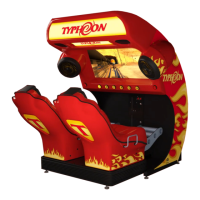
2- Disconnect the VR Helmet harness cable from the Link Box.
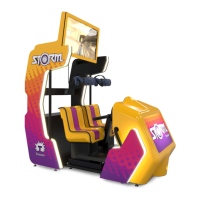
3- Remove the 6 x 2.5mm hex screws on both sides of the arm.
4- Remove the old harness and insert the new one.
5- Reconnect the harness and close the helmet arm. Run the room configuration.


 To Next Page