This document, including the information contained herein, is proprietary to Triotech Amusement Inc.
11 System calibration
The system must be configured after every installation, follow the instructions below to
properly configure your Storm.
Storm Menu
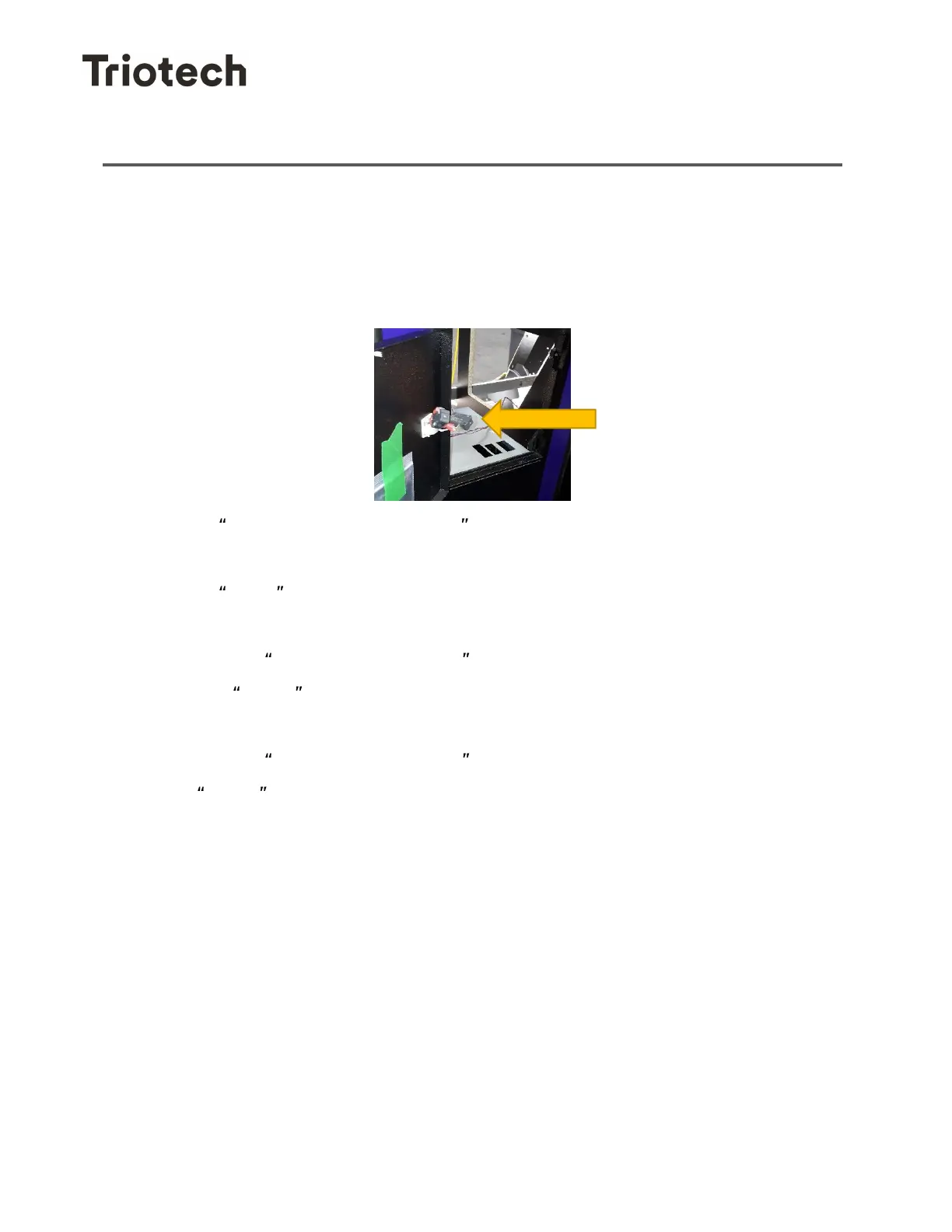
To open the Storm menu, open the coin door and press on the button inside the door.
This action will bring up the calibration menu.
1- Select Restart in Calibration mode
2- Wait for both computers to have fully booted.
3- Select Client on the KVM.
4- Proceed with the calibration detailed in 11.1.
5- Click on the Confirm Configuration icon.
6- Click on Server on the KVM.
7- Proceed with the calibration detailed in 11.1.
8- Click on the Confirm Configuration icon.
9- The Server will reboot and should start in normal mode (the CLIENT has now
already started in normal mode also) so the system is now up and running.


 To Next Page