User’s Manual – GPS Mode
298
6. Look at the cell phone. It will ask if you want to add the data
collector to your devices. Answer [Yes] and then enter the same
passkey using the cell phone's keypad.
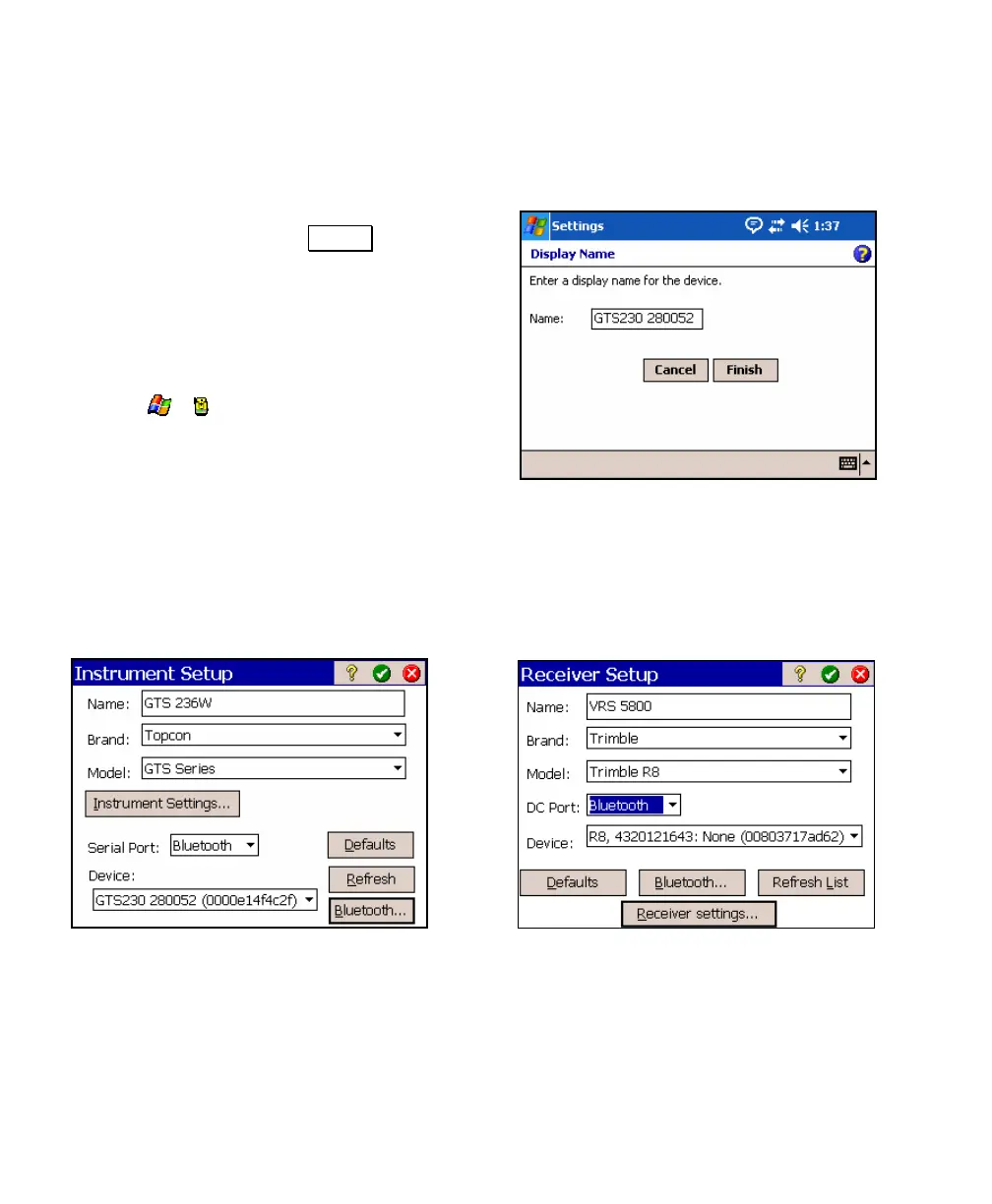
7. Enter a name for the new device or use the
default name and tap Finish . The new
device will now be listed in your Bluetooth
devices.
8. Repeat the above steps to add any other
Bluetooth device that you want to use with
Survey Pro.
9. Tap
> to return to Survey Pro.
Bluetooth in Survey Pro
To configure your Bluetooth enabled total station or GPS receiver to
work with Survey Pro, perform the following steps from within
Survey Pro:
1. Go to Job > Settings > Instrument, and edit an existing instrument
profile or create a new one.
2. Select Bluetooth in the Port field and confirm the correct Bluetooth
peripheral is selected in the Device field.



 To Next Page