User’s Manual – GPS Mode
312
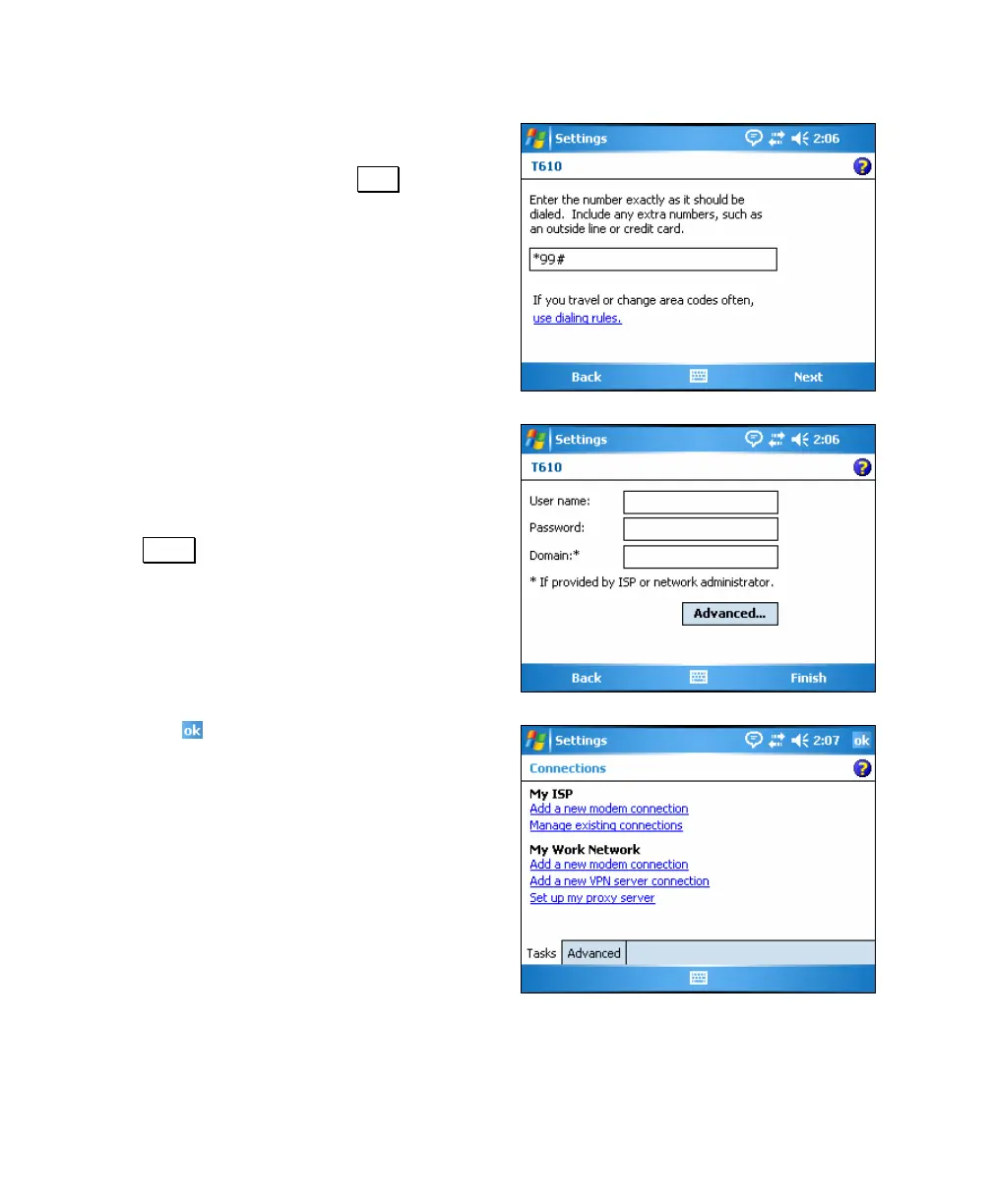
9. Enter the number provided by your
cellular phone company used to access
online services and tap Next.
10. If your cellular phone company
requires a user name and password to
connect to online services, enter them
in this screen, otherwise leave the
fields in this screen blank and tap
Finish.
11. Tap
to close this screen and return
to Survey Pro.



 To Next Page