Basic GPS Module
311
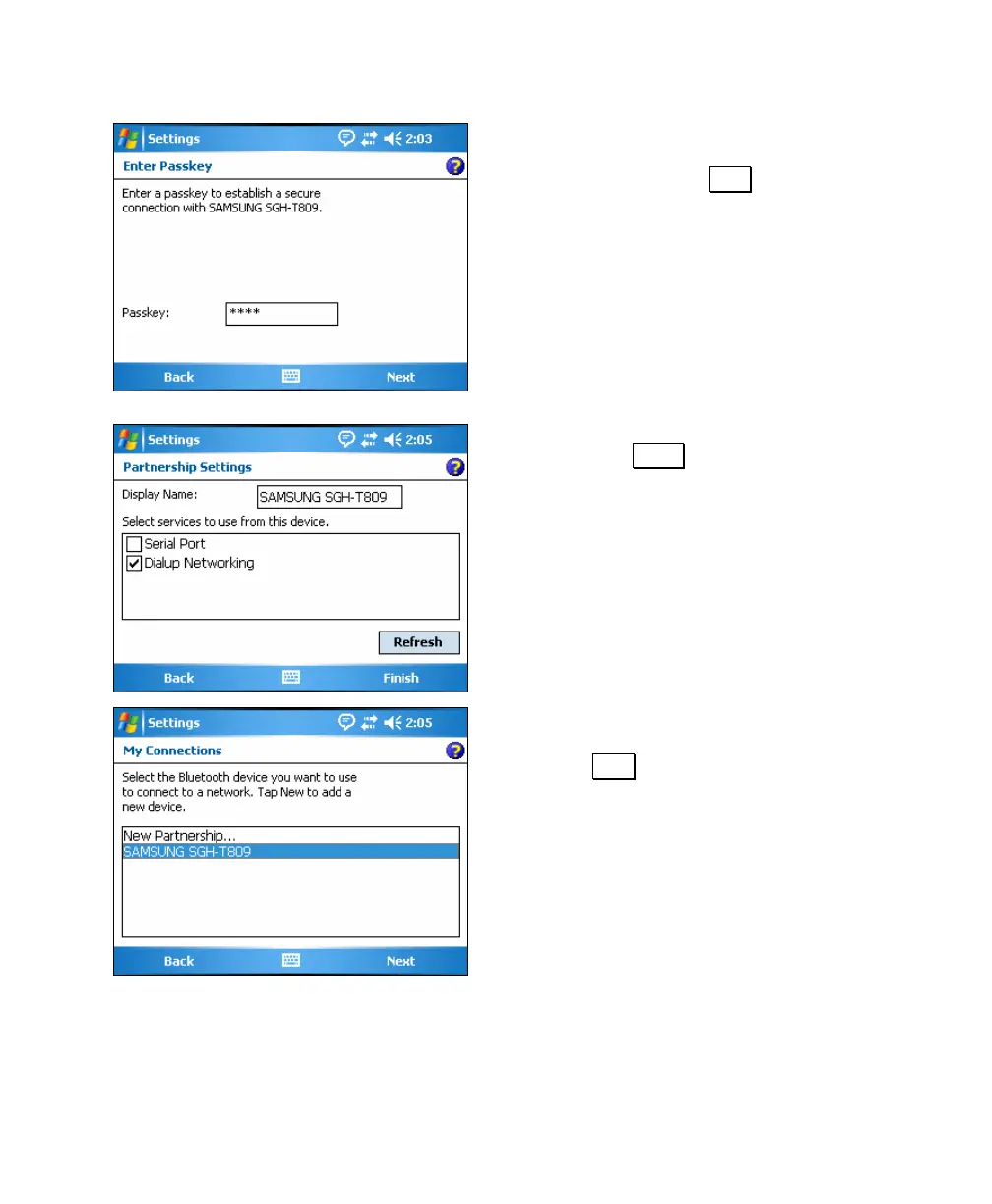
6. If the partnered device requires a
passkey, enter it here, otherwise leave
it blank and tap Next. When
partnering with a cell phone for use as
a data modem, you typically enter any
key that is 3 characters or longer and
then enter the same key when you are
prompted on the phone from the
phone's keypad.
7. Check the Dialup Networking checkbox
and tap Finish to continue.
8. Select the cell phone you just added and
tap Next.



 To Next Page