User’s Manual – Conventional Mode
60
c. Enter an HI and HR of 5 feet each.
d. Toggle the .BS Direction. / .BS Point. button to BS Point. and
enter 2 as the point name.
e. Leave the Fixed HR at Backsight field unchecked.
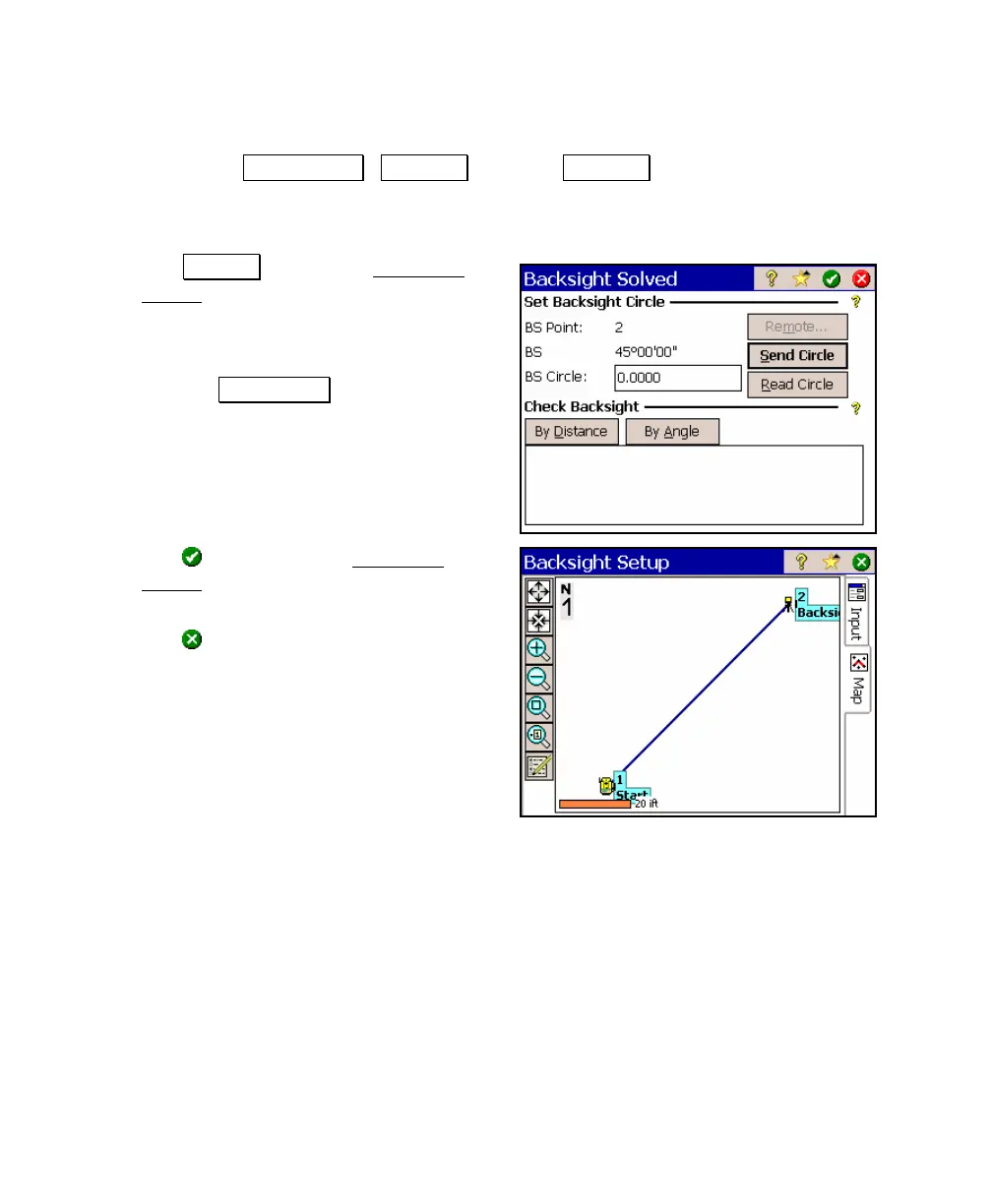
f. Tap Solve… to open the Backsight
Solved screen.
g. Confirm that the BS Circle value is zero.
If not, change it to zero.
h. Tap the Send Circle button. This
would normally zero the horizontal
angle on the instrument and is a
required step to properly exit from the
screen.
i. Tap
to exit from the Backsight
Solved screen. The map view will open
showing your current setup.
j. Tap
(close) to continue.



 To Next Page